10 Best Front Integrations to Boost Customer Service Efficiency (2026)
SUMMARY:
Front turns email, SMS, live chat, and social into one shared inbox, but the real wins come from the front app integrations you layer on top.
We reviewed 25+ tools across calling, CRM, helpdesk, project work, and voice of customer, then picked the 10 best front integrations for 2026 based on native data sync, setup speed, reliability, and how much manual work they remove.
The 10 best Front integrations by use case:
-
01
CloudTalk – best Front calling integration for customer-facing teams that want call logging with CRM sync
-
02
Pipedrive – best for sales pipeline visibility inside the inbox
-
03
Intercom – best for AI-assisted live chat and deflection
-
04
Zendesk – best for mature omnichannel ticketing
-
05
Salesforce – best for enterprise CRM depth
-
06
HubSpot – best free CRM tier for growing teams
-
07
Freshdesk – best affordable helpdesk for small teams
-
08
Asana – best for customer success workflows and task handoffs
-
09
Nicereply – best voice of customer (VoC) tool with native Front sync
-
10
Slack – best for sales-to-support handoffs and internal escalations
CloudTalk is the strongest pick for most customer-facing teams, because it brings calls, caller context, and recordings into Front and writes everything back to your CRM automatically. Larger organizations with heavy compliance or governance needs may lean on a full CRM or helpdesk suite as the anchor instead.
Want Front to talk to your dialer, CRM, and helpdesk?

What Is a Front Integration?
A Front integration connects your shared inbox to the rest of your stack, so conversations become workflows instead of dead ends. A front app integration can pull a customer record into the thread, log a call automatically, trigger a task, or push feedback back into a CRM, all without anyone leaving the inbox.
Here is what a good front integration actually does behind the scenes:
- Automates workflows, so a conversation can create a ticket, update a deal, or queue a follow-up
- Syncs data like contact details, call notes, and tags across tools, with no manual copy-paste
- Triggers actions, such as pinging a teammate in Slack, logging a CloudTalk call, or updating a CRM field mid-thread
Does Front Integrate With VoIP and Phone Systems?
Yes. A Front VoIP integration brings cloud calling into the same place your team handles email and chat. With a Front phone system integration like CloudTalk, agents see caller details and past interactions inside Front, calls log automatically, and follow-ups route based on inbox activity. That is the difference between a Front call integration that just rings and one that keeps your records clean while it does.
Most front app integrations install through native apps in the Front App Store, with a few connected via API. The ones worth your time install in minutes and need zero dev work.
No more tab-switching. Just seamless workflows.
How We Chose the Best Front App Integrations
We started with 25+ tools that connect to Front, then cut the list to 10 based on what actually changes a support or sales workflow: native data sync over brittle workarounds, setup measured in minutes, reliability at scale, and verified G2 ratings. We weighted tools that put real context into every reply, not just another tab to check.
Why Trust Our Software Reviews?
Over the last decade, we have helped more than 30,000 professionals choose communication tools. We review hundreds of products, read thousands of verified reviews on platforms like G2, Capterra, and Trustpilot, and pull real-world detail from forums like Reddit. Everything here is written and reviewed by humans, for humans. Learn how we keep our content integrity and our software review methodology.
Best Front App Integrations: Comparison Table
Here is a side-by-side look at the 10 best front integrations before the detailed breakdowns. Use it to narrow your shortlist fast.
Best Front Integrations for 2026
| Integration | Best for | Type | Starting price | G2 rating |
|---|---|---|---|---|
| CloudTalk | Front calling integration with CRM sync | VoIP / phone system | $19/user/mo | 4.4/5 |
| Pipedrive | Sales pipeline visibility | CRM | $14/user/mo | 4.3/5 |
| Intercom | AI live chat and deflection | Support messaging | $29/seat/mo | 4.5/5 |
| Zendesk | Omnichannel ticketing | Helpdesk | $55/agent/mo | 4.3/5 |
| Salesforce | Enterprise CRM depth | CRM | $25/user/mo | 4.4/5 |
| HubSpot | Free CRM for growing teams | CRM | Free / $15/seat/mo | 4.4/5 |
| Freshdesk | Affordable helpdesk | Helpdesk | $19/agent/mo | 4.4/5 |
| Asana | Customer success workflows | Work management | Free / $10.99/user/mo | 4.4/5 |
| Nicereply | VoC surveys, native Front sync | Voice of customer | $59/mo | 4.5/5 |
| Slack | Sales-to-support handoffs | Team collaboration | Free / $7.25/user/mo | 4.5/5 |
Note: starting prices reflect each platform’s entry plan on annual billing. Advanced features may require higher tiers or add-ons.
The 10 Best Front Integrations for 2026
Front works best when it is not working alone. Below are the 10 front app integrations that turn the inbox into a real operations layer, starting with the one most customer-facing teams reach for first.
1. CloudTalk: Best Front Calling Integration for Customer-Facing Teams
What Is CloudTalk?
CloudTalk is a modern cloud phone system built for teams that live on the phone. Its integration with Front pulls call activity, caller details, and conversation history into your shared inbox, so agents stay informed without leaving Front. For anyone asking what the best Front calling integration for customer-facing teams is in 2026, this is our pick: it is the Front phone system integration that logs every call and keeps your CRM clean while it does.
Who Is CloudTalk Best For?
Sales and support teams that want a Front VoIP integration with automatic call logging and CRM sync, not just click-to-dial.
CloudTalk Key Features
-
35+ native integrations including Front, plus CRMs and helpdesks that auto-log calls, notes, and outcomes
-
Real-time call monitoring for live coaching and oversight
-
AI conversation intelligence with summaries, sentiment analysis, and call scoring
-
Call recording and playback on every dialer interaction
-
AI Voice Agents that handle routine calls like lead qualification and post-call surveys
CloudTalk Pricing
Flexible plans that give you more at every tier than most competitors. See the call center software cost guide for the full breakdown.
- Lite: $19/user/month
- Starter: $25/user/month
- Essential: $29/user/month
- Expert: $49/user/month
- Custom: pricing on request
CloudTalk Review
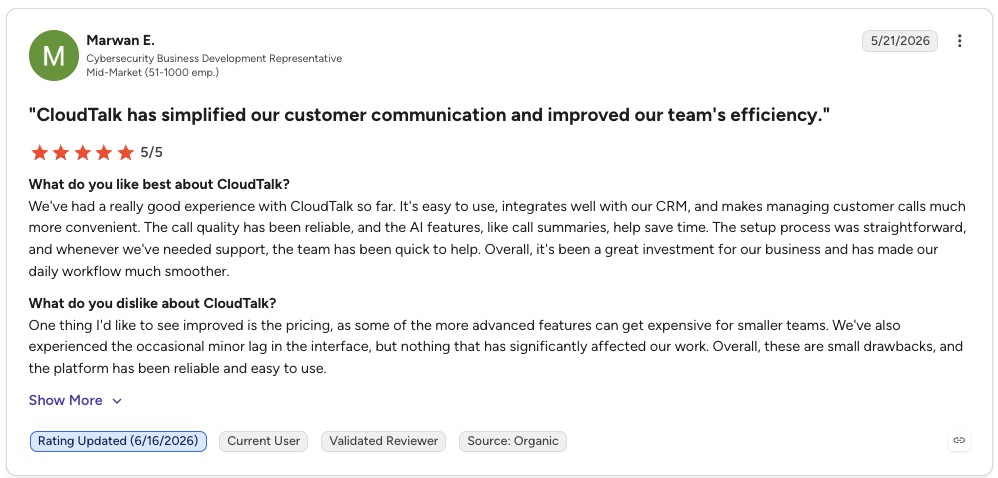
G2 reviewers give CloudTalk 4.4/5 across 1,400+ reviews.
| Pros | Cons |
|---|---|
| Native Front integration: call logging and caller context inside the inbox | Voice-first: pair it with a helpdesk if you need full ticketing |
| AI intelligence included: summaries, sentiment, and call scoring | Advanced dialers on higher tiers: Power and Parallel sit above the base plan |
2. Pipedrive: Best Front Integration for Sales Pipeline Visibility
What Is Pipedrive?
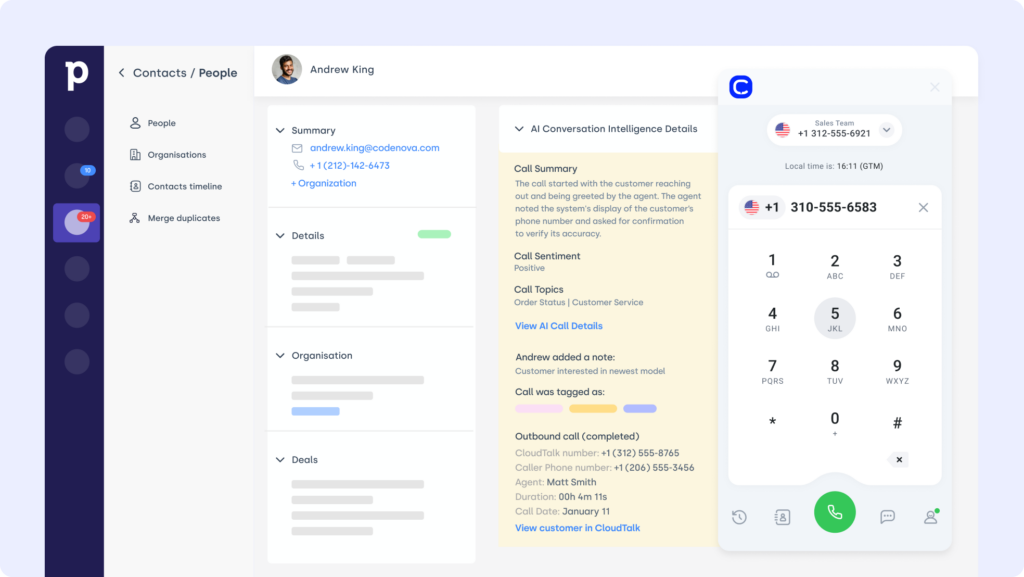
Pipedrive is a sales-focused CRM known for clean pipeline views and lightweight automation. The Front Pipedrive integration connects deal activity to conversations, so reps get context without digging through tabs, and CloudTalk calls log straight into the deal record.
Who Is Pipedrive Best For?
Small sales teams that want pipeline movement and follow-ups visible inside Front.
Pipedrive Key Features
-
Deal and contact context shown alongside Front threads
-
Auto-logged CloudTalk calls and notes into Pipedrive
-
Follow-up tasks you can assign and track from the inbox
Pipedrive Pricing
Four per-user plans on annual billing. For where it fits in your stack, see our guide to CRM systems.
- Lite: $14/user/month
- Growth: $39/user/month
- Premium: $49/user/month
- Ultimate: $79/user/month
Pipedrive Review
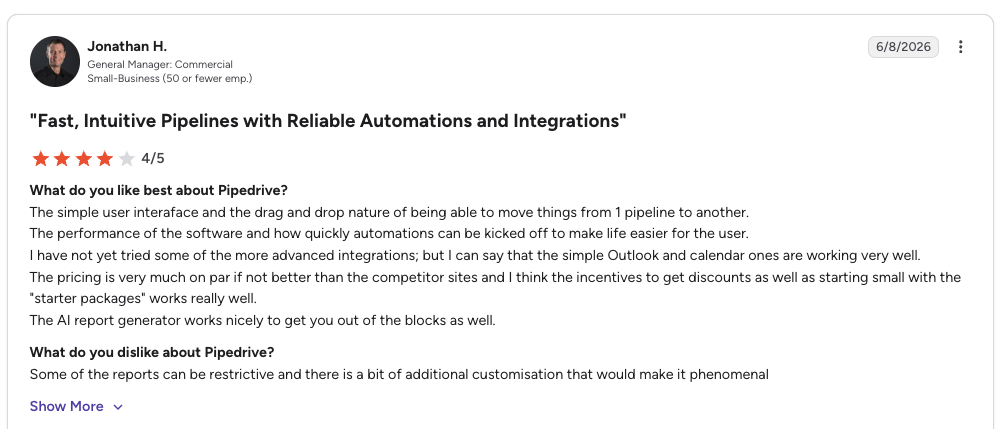
G2 reviewers give Pipedrive 4.3/5.
| Pros | Cons |
|---|---|
| Clean visual pipeline: easy to read deal stages | No native calling: needs a dialer like CloudTalk |
| Affordable entry: starts at $14/user/month | Email sync gated: full sync sits above the Lite plan |
3. Intercom: Best Front Integration for AI-Assisted Live Chat
What Is Intercom?
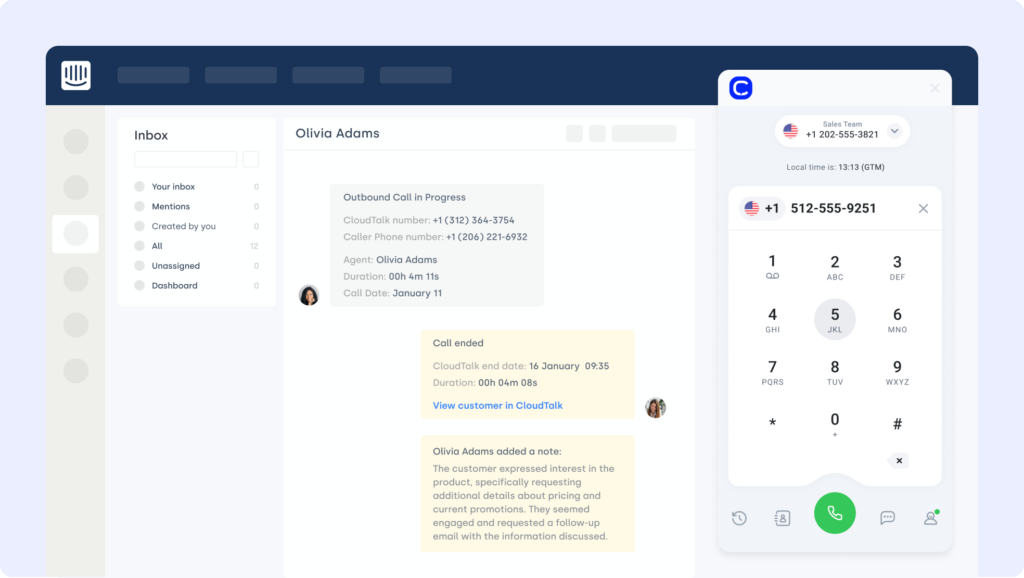
Intercom is a customer messaging platform known for live chat, onboarding, and AI-driven support through its Fin agent. The Front Intercom integration brings real-time chat into the shared inbox, so your team replies faster and stays aligned across channels.
Who Is Intercom Best For?
Support teams that want AI deflection and live chat feeding into Front.
Intercom Key Features
-
Intercom conversations and profiles surfaced in Front threads
-
Fin AI agent that resolves routine questions before they reach an agent
-
Tag, assign, and reply to chats without switching tools
Intercom Pricing
Three per-seat plans on annual billing, plus usage-based AI. See the Intercom integration page for how it connects.
- Essential: $29/seat/month
- Advanced: $85/seat/month
- Expert: $132/seat/month
- Fin AI agent: $0.99 per resolution
Intercom Review
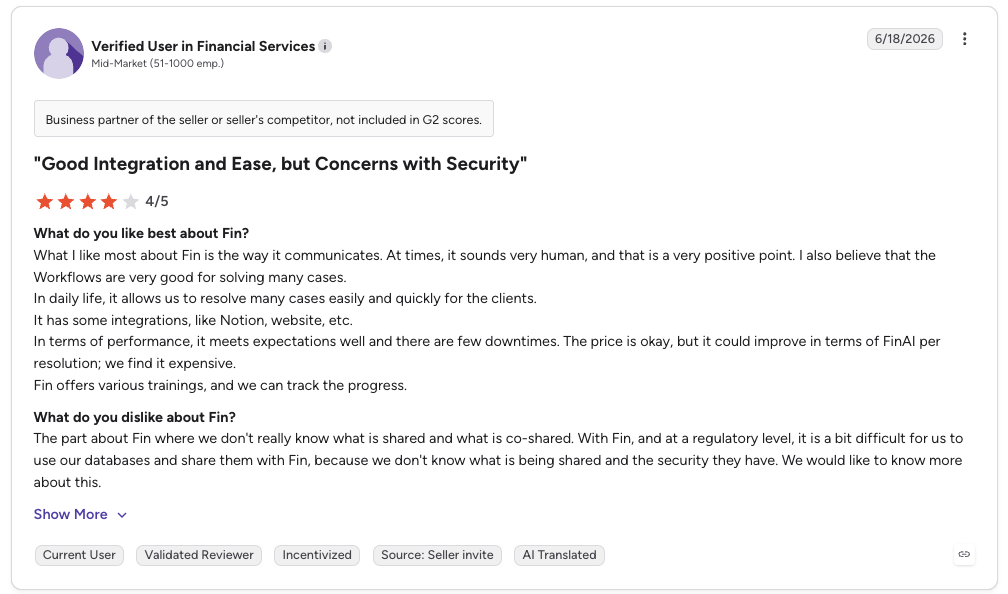
G2 reviewers give Intercom (Fin) 4.5/5.
| Pros | Cons |
|---|---|
| Strong AI deflection: Fin resolves routine tickets | Unpredictable AI cost: per-resolution fees stack up |
| Unified messaging: chat, email, and social in one place | Climbs fast with seats: pricing scales steeply |
4. Zendesk: Best Front Integration for Omnichannel Ticketing
What Is Zendesk?
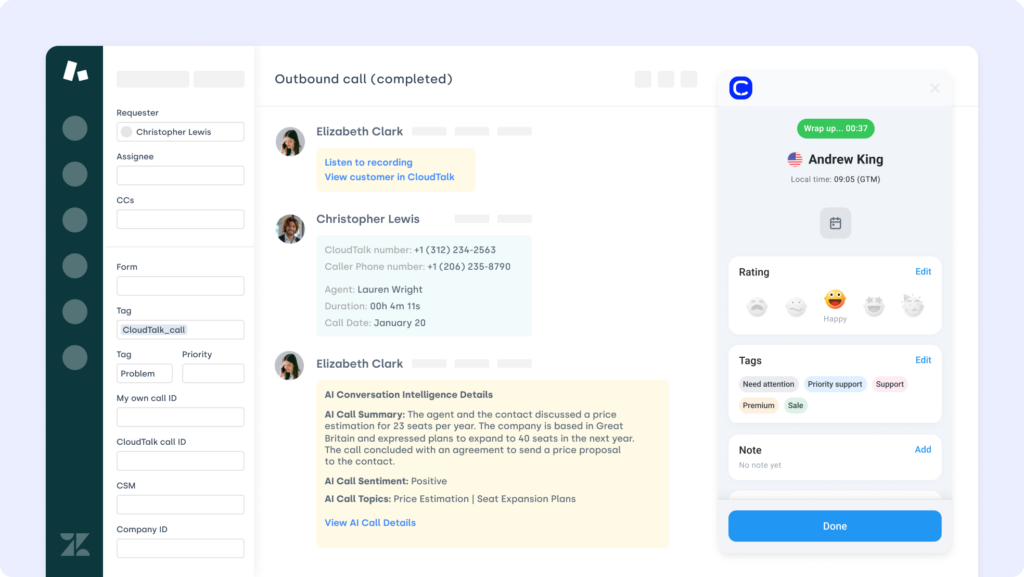
Zendesk is a customer service mainstay, and the Front Zendesk integration brings helpdesk operations into your inbox workflows. It suits teams that want centralized visibility into tickets without bouncing between tools.
Who Is Zendesk Best For?
Support teams that need ticket context and SLA alerts inside Front.
Zendesk Key Features
-
Zendesk ticket updates pushed to Front in real time
-
Create and update tickets without leaving the inbox
-
Tag teammates on shared threads for fast escalation
Zendesk Pricing
Suite plans on annual billing, per agent. Full detail in the Zendesk pricing guide.
- Suite Team: $55/agent/month
- Suite Growth: $89/agent/month
- Suite Professional: $115/agent/month
- Enterprise: custom pricing
Zendesk Review
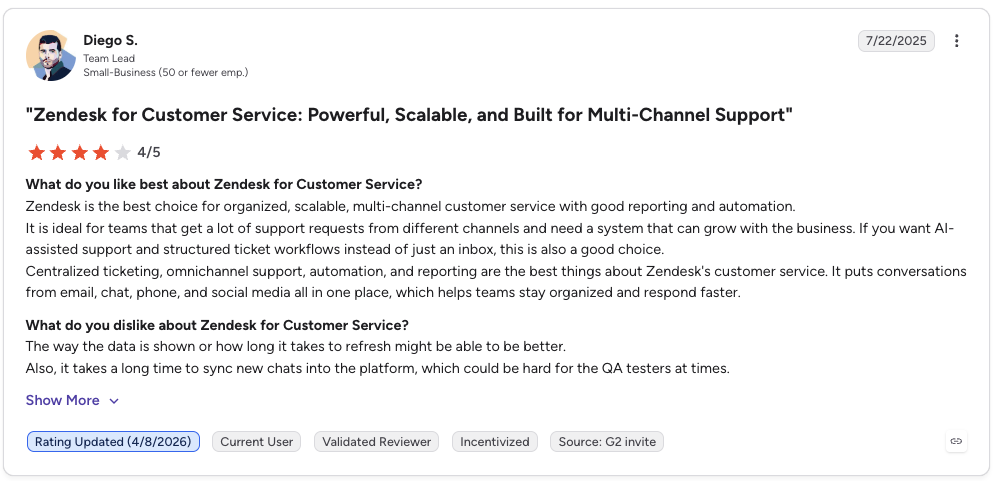
G2 reviewers give Zendesk 4.3/5.
| Pros | Cons |
|---|---|
| Mature omnichannel: deep ticketing and routing | Pricey at scale: per-agent cost adds up fast |
| Strong reporting: detailed dashboards and automation | Advanced AI costs extra: top features sit behind add-ons |
Recommended Reads
5. Salesforce: Best Front Integration for Enterprise CRM Depth
What Is Salesforce?
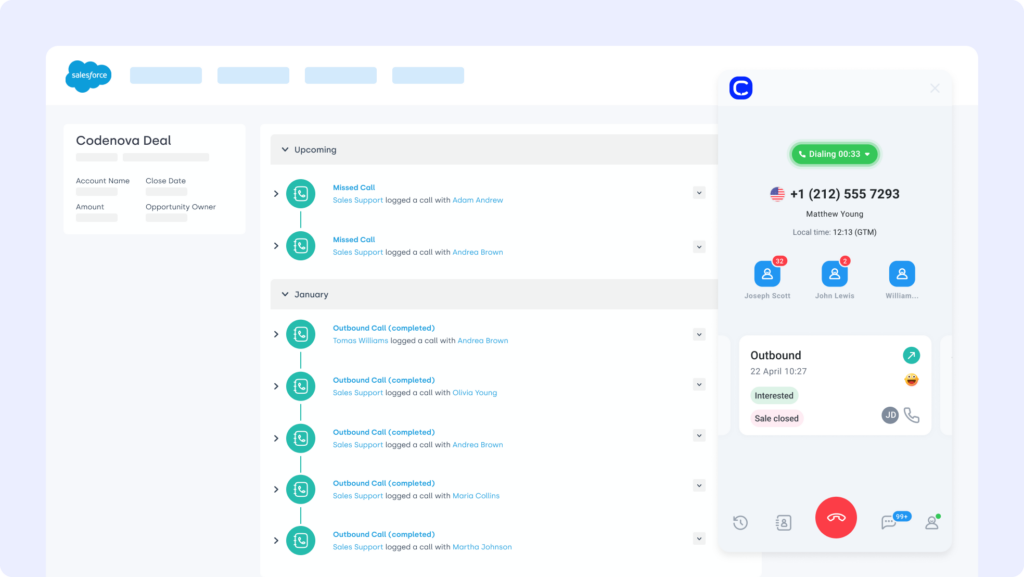
Salesforce is the leading enterprise CRM, and the Front Salesforce integration embeds deal and customer data directly into the inbox, so teams get the full picture without juggling tools.
Who Is Salesforce Best For?
Larger sales and support orgs that run on Salesforce and need records in the thread.
Salesforce Key Features
-
Salesforce contact and opportunity data shown next to messages
-
Front conversations auto-logged to Salesforce records
-
Workflow triggers and field updates from inside Front
Salesforce Pricing
Per-user editions, most billed annually. See the Salesforce pricing guide for dialer and add-on detail.
- Starter Suite: $25/user/month
- Pro Suite: $100/user/month
- Enterprise: $175/user/month
- Unlimited: $350/user/month
Salesforce Review
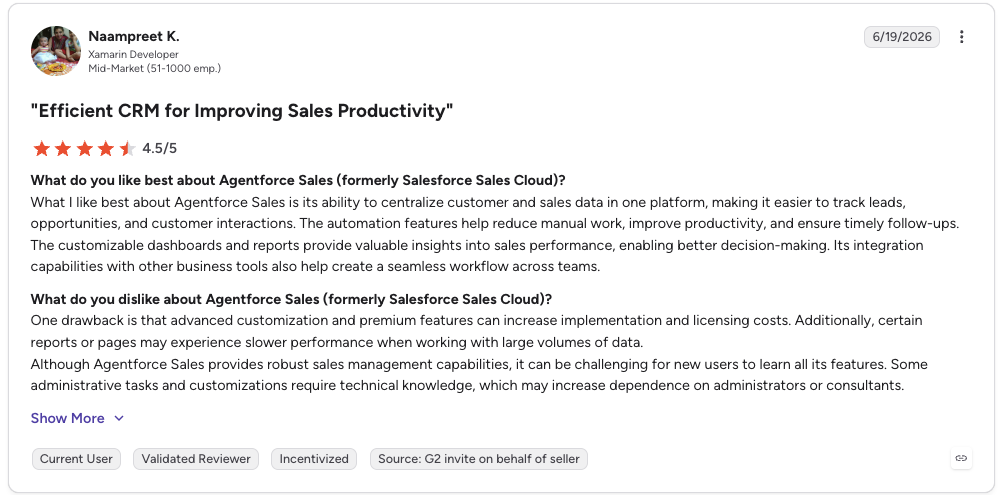
G2 reviewers give Salesforce Sales Cloud 4.4/5.
| Pros | Cons |
|---|---|
| Deep customization: bends to almost any process | High cost and admin: needs ongoing upkeep |
| Full revenue visibility: one system of record | Overkill for small teams: heavy for lean ops |
6. HubSpot: Best Front Integration for Growing Teams
What Is HubSpot?
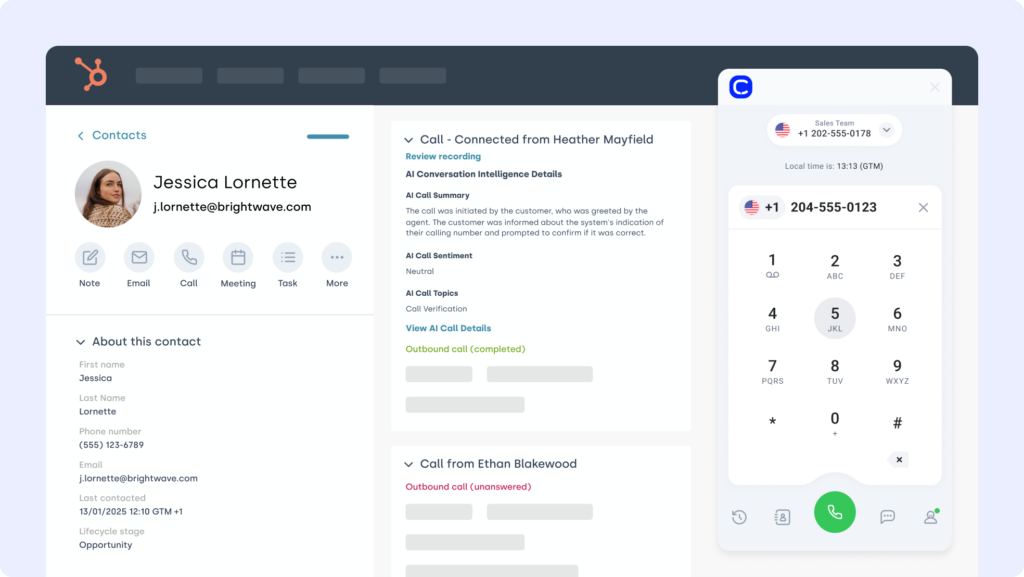
HubSpot is a popular CRM used across sales, support, and marketing. The Front HubSpot integration connects conversations to contact records, so every email, chat, and call sits in full CRM context.
Who Is HubSpot Best For?
Growing teams that want a generous free CRM that scales with them.
HubSpot Key Features
-
HubSpot records displayed next to Front emails and chats
-
Customer interactions auto-logged into HubSpot
-
Create and update deals and tickets from within Front
HubSpot Pricing
A free CRM plus per-seat paid tiers.
- Free CRM: $0
- Starter: $15/seat/month
- Professional: $100/seat/month
- Enterprise: $150/seat/month
HubSpot Review
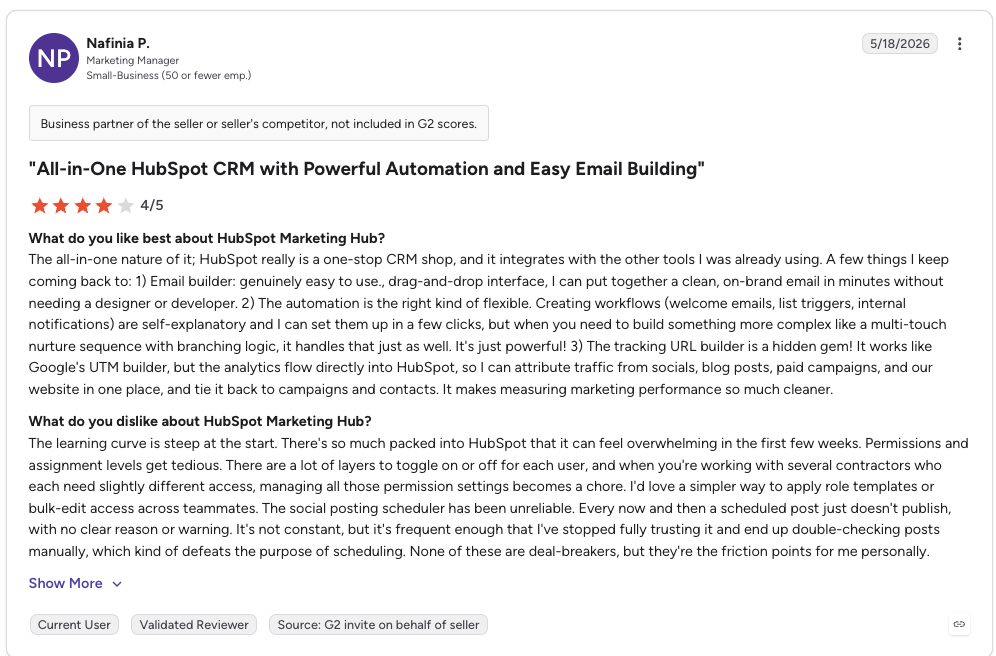
G2 reviewers give HubSpot 4.4/5.
| Pros | Cons |
|---|---|
| Generous free tier: real CRM at no cost | Steep Pro jump: $15 to $100 between tiers |
| Easy to adopt: fast onboarding | Onboarding fees: one-time charges on paid tiers |
7. Freshdesk: Best Affordable Helpdesk Integration for Front
What Is Freshdesk?
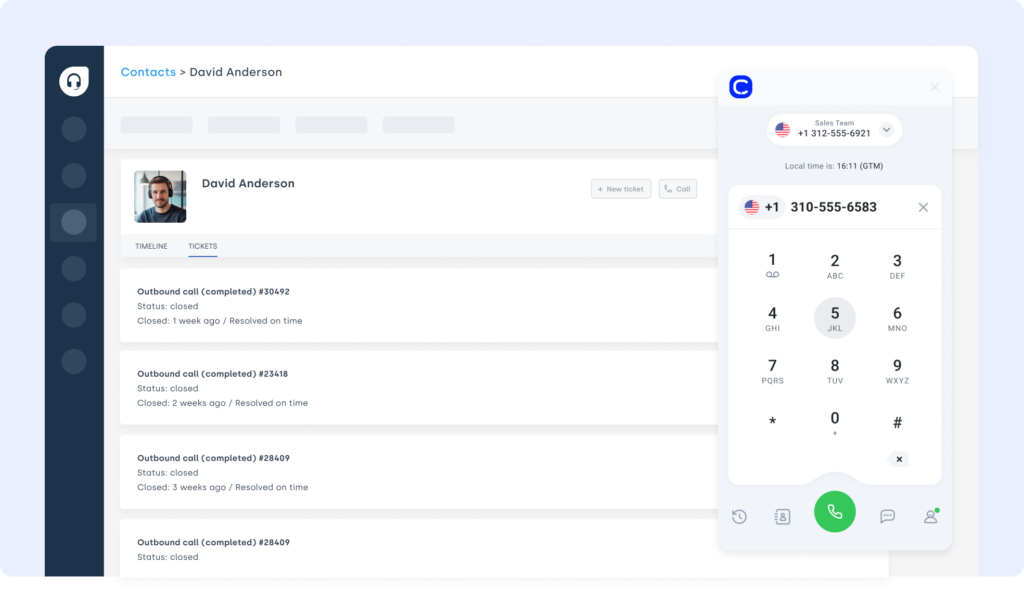
Freshdesk is a customer support platform built to streamline ticketing without enterprise complexity. The Front Freshdesk integration lets teams handle support emails and Freshdesk tickets from one collaborative workspace.
Who Is Freshdesk Best For?
Small and mid-sized support teams that want a low-cost, fast-to-deploy helpdesk.
Freshdesk Key Features
-
Create and update Freshdesk tickets from Front
-
Ticket context and caller history beside emails
-
Attach CloudTalk call recordings and notes to Freshdesk threads
Freshdesk Pricing
Per-agent plans on annual billing, with a limited free program. Detail in the Freshdesk pricing guide.
- Growth: $19/agent/month
- Pro: $55/agent/month
- Enterprise: $89/agent/month
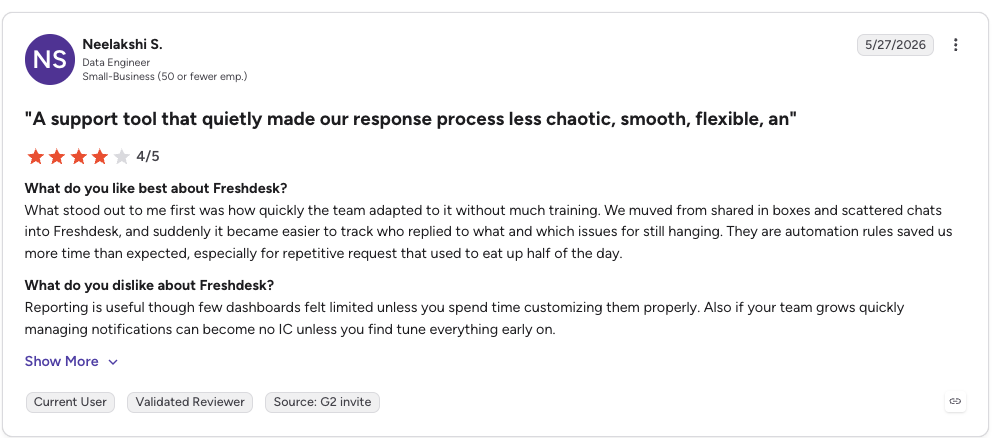
Freshdesk Review
G2 reviewers give Freshdesk 4.4/5.
| Pros | Cons |
|---|---|
| Affordable entry: starts at $19/agent/month | Freddy AI billed separately: session packs add cost |
| Fast to set up: productive in days | Features gated at Pro: routing and CSAT need an upgrade |
Recommended Reads
8. Asana: Best Front Integration for Customer Success Workflows
What Is Asana?
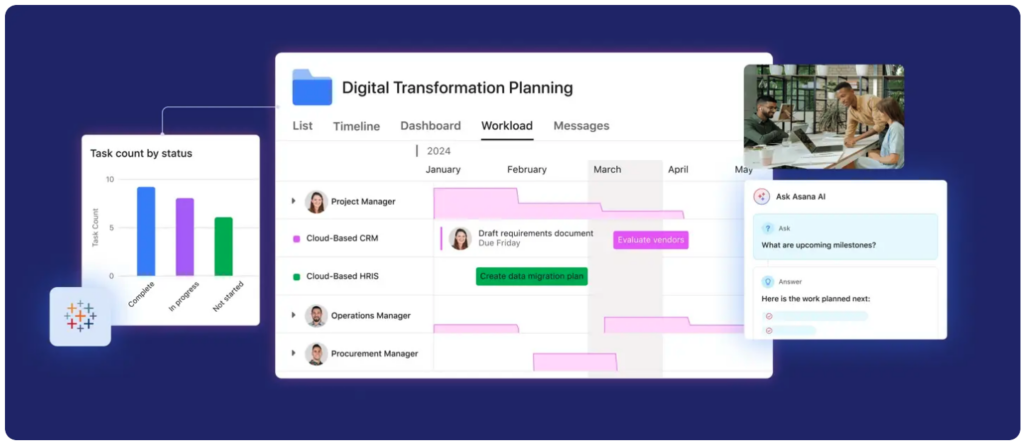
Asana is a work management platform that turns scattered requests into tracked work. For teams asking which front app integrations work best for customer success workflows, the asana front app integration is hard to beat: it converts a Front conversation into an assigned, deadlined task without anyone leaving the inbox.
Who Is Asana Best For?
Customer success and onboarding teams that need conversations to become accountable tasks.
Asana Key Features
-
Create Asana tasks directly from a Front conversation
-
Workflow automation that routes follow-ups to the right owner
-
Task status visible against the customer thread for clean handoffs
Asana Pricing
A free Personal tier plus per-user paid plans on annual billing. For how it fits a support stack, see workflow automation for small business.
- Personal: free
- Starter: $10.99/user/month
- Advanced: $24.99/user/month
- Enterprise: custom pricing
Asana Review
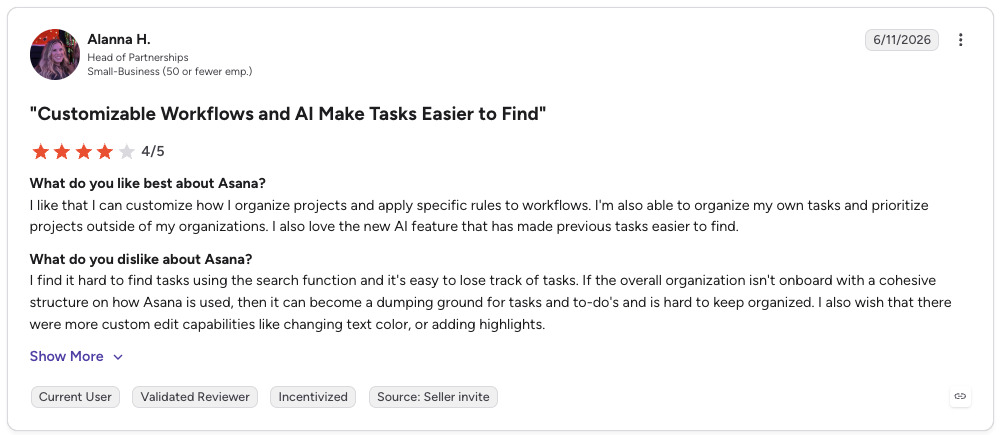
G2 reviewers give Asana 4.4/5.
| Pros | Cons |
|---|---|
| Strong automation: turns threads into tracked work | SSO is Enterprise-only: security gating on top tier |
| Clear handoffs: task status tied to the conversation | Advanced doubles cost: $10.99 to $24.99 jump |
9. Nicereply: Best VoC Integration With Native Front Sync
What Is Nicereply?
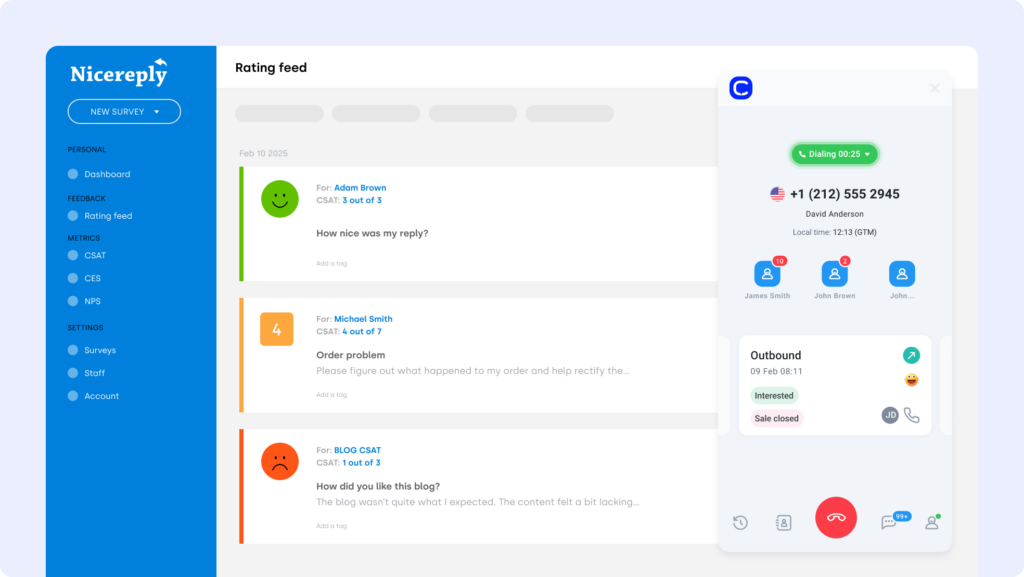
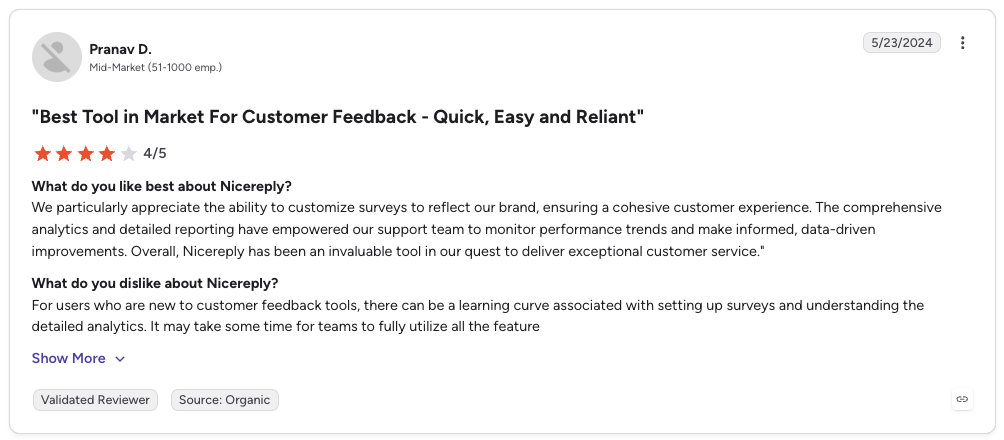
If you are wondering which VoC solutions integrate natively with Front, Nicereply is the clearest answer. It is a purpose-built CSAT, NPS, and CES survey tool, and its native Front integration is available on every Front plan. Survey responses post back into Front as comments and custom fields, so feedback lands next to the conversation that triggered it.
Who Is Nicereply Best For?
Support and customer success teams that want to measure satisfaction without leaving the inbox.
Nicereply Key Features
-
One-click CSAT, NPS, and CES surveys triggered after a Front conversation
-
In-signature and post-resolution surveys to lift response rates
-
Responses pushed back into Front as comments and custom field values
Nicereply Pricing
Response-based plans billed monthly, every integration included on every tier. For where surveys fit, see our roundup of customer feedback tools.
- Starter: $59/month (3 seats, 100 responses)
- Essential: $119/month (10 seats, 250 responses)
- Growth: $239/month
Nicereply Review
G2 reviewers give Nicereply 4.5/5.
| Pros | Cons |
|---|---|
| Native Front sync: available on all Front plans | Response caps per tier: volume drives the price |
| Three metrics in one: CSAT, NPS, and CES together | Smaller integration library: focused on support tools |
10. Slack: Best Front Integration for Sales-to-Support Handoffs
What Is Slack?
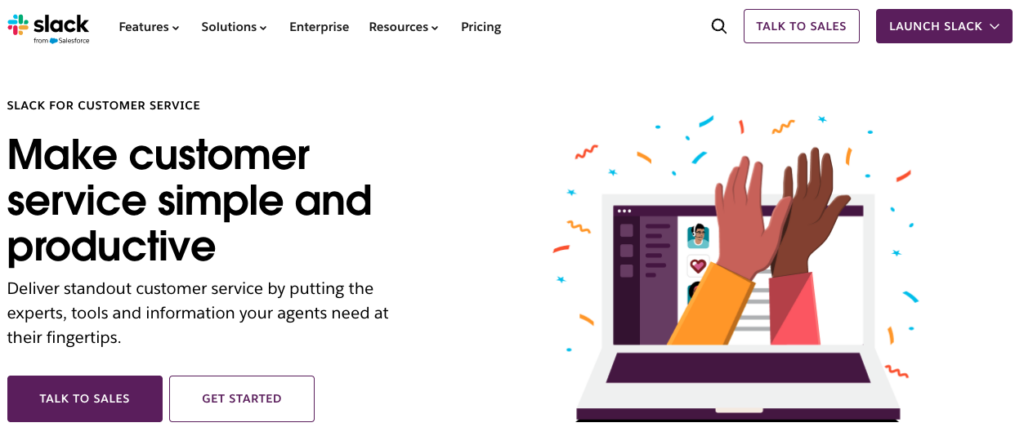
Slack is the collaboration layer most teams already live in, which makes it a natural front integration for moving work between people. Loop in a teammate, escalate a thread, or hand a conversation from sales to support, all from a Slack channel tied to the Front inbox.
Who Is Slack Best For?
Teams that need fast internal escalations and clean sales-to-support handoffs.
Slack Key Features
-
Front conversation alerts routed to the right Slack channel
-
Discuss and escalate threads without forwarding emails around
-
A huge app ecosystem so handoffs connect to the rest of your stack
Slack Pricing
A free tier plus per-user paid plans on annual billing. See how it fits a support stack in our guide to tools for sales and support teams.
- Free: $0
- Pro: $7.25/user/month
- Business+: $15/user/month
- Enterprise+: custom pricing
Slack Review
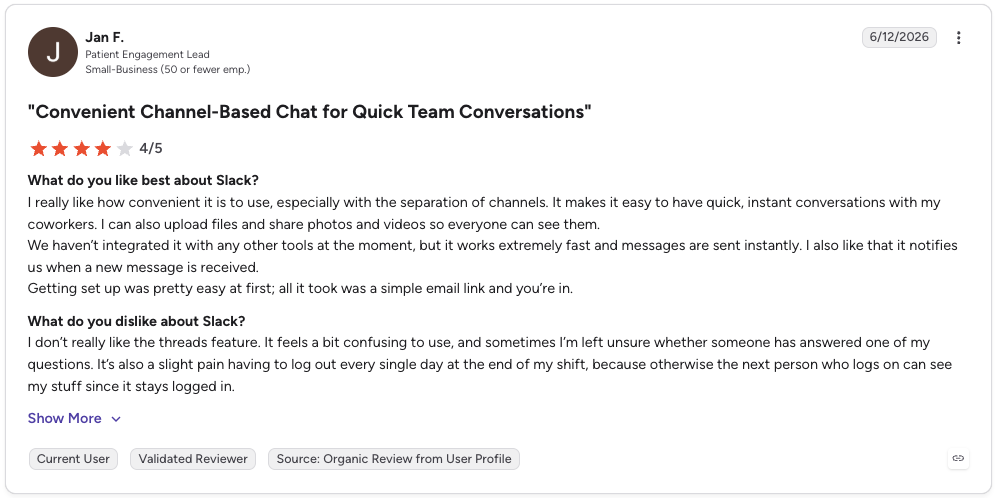
G2 reviewers give Slack 4.5/5.
| Pros | Cons |
|---|---|
| Fast handoffs: escalate without leaving chat | Per-seat cost: adds up as headcount grows |
| Huge ecosystem: connects to nearly everything | 90-day history on Free: older messages hidden |
How to Choose the Best Front Integration
- Cut setup time, not conversations. Front is built for fast-moving teams, and your front app integrations should launch just as quickly. Favor native apps with no-code setup. CloudTalk’s Front integration installs in minutes, no dev tickets required.
- Fix the gaps that actually slow you down. Choose by your real pain points, not buzzwords. Logging calls by hand? Losing track of deals? Prioritize a front call integration that syncs voice and CRM data straight into the inbox.
- Scale without breaking threads. Ask whether the integration holds up at 5x the message volume and 3x the agents. CloudTalk supports fast-growing teams without flooding shared inboxes.
- Keep data secure, not scattered. Every connected system touches customer data, so look for SSO, audit logs, and role-based access.
- Evaluate support, not just features. When something breaks, you want a human, not a help-center loop. If the integration is critical to your ops, responsive support matters.
Why CloudTalk Is the Best Front Integration for Customer-Facing Teams
Front is where conversations happen, but it only works when the tools behind those conversations speak the same language. The right front integrations turn scattered threads into complete stories: calls, CRM records, tickets, and feedback all in one view.
For most customer-facing teams, the fastest win is voice. CloudTalk is the front phone system integration that brings calls and caller context into the inbox, logs everything automatically, and keeps your CRM clean as you scale. Build your support stack with intention, then let Front do what it does best: connect your team to the moment that matters.
Setup shouldn’t be a separate project. We can help.