Modjo Integrations: The 10 Best Connections for Sales & Support Teams in 2026
Modjo Integrations Summary
Modjo integrations connect your conversation intelligence software to the rest of your sales and support stack — CRMs, dialers, video tools, and messaging apps — so call insights surface where your team actually works. The strongest modjo integrations in 2026 span calling, CRM, video, email, and chat, with the Modjo CloudTalk integration leading the list for capturing and analyzing voice data automatically.
-
01
CloudTalk — Best Modjo integration for AI-powered calling and call recording sync
-
02
Microsoft Teams — Best collaboration integration for real-time coaching alerts
-
03
Pipedrive — Best Modjo CRM integration for visual pipeline coaching
-
04
HubSpot — Best CRM integration for aligning marketing and sales on conversation signals
-
05
Zoom — Best video integration for recording and analyzing meetings
-
06
Google Meet — Best video integration for Google Workspace teams
-
07
Gmail — Best email integration for unifying voice and written outreach
-
08
Outlook — Best email and calendar integration for meeting context
-
09
Slack — Best messaging integration for instant coaching cues
-
10
SalesLoft — Best sales engagement integration for multi-channel cadence analysis
See why thousands of sales teams choose CloudTalk for AI-powered calling

Why Trust CloudTalk?
Modjo Integrations Comparison Table
Before the detailed reviews, here’s a quick side-by-side of the 10 best modjo integrations — what each tool does, how it connects, and who it’s best for.
| Tool | Category | Integration Type | Best For |
|---|---|---|---|
| CloudTalk | Phone & AI calling | Native / API | Best for sales & support teams syncing call recordings to Modjo |
| Microsoft Teams | Collaboration | Native connector | Best for real-time coaching alerts in team channels |
| Pipedrive | CRM | Native connector | Best for visual pipeline coaching and deal context |
| HubSpot | CRM | Native connector | Best for aligning marketing and sales on intent signals |
| Zoom | Video conferencing | Native connector | Best for recording and analyzing virtual meetings |
| Google Meet | Video conferencing | Native connector | Best for Google Workspace–based teams |
| Gmail | Native connector | Best for unifying call and email context | |
| Outlook | Email & calendar | Native connector | Best for meeting prep with prior call context |
| Slack | Messaging | Native connector | Best for instant coaching cues and call alerts |
| SalesLoft | Sales engagement | Native connector | Best for multi-channel cadence and outreach analysis |
What Is a Modjo Integration?
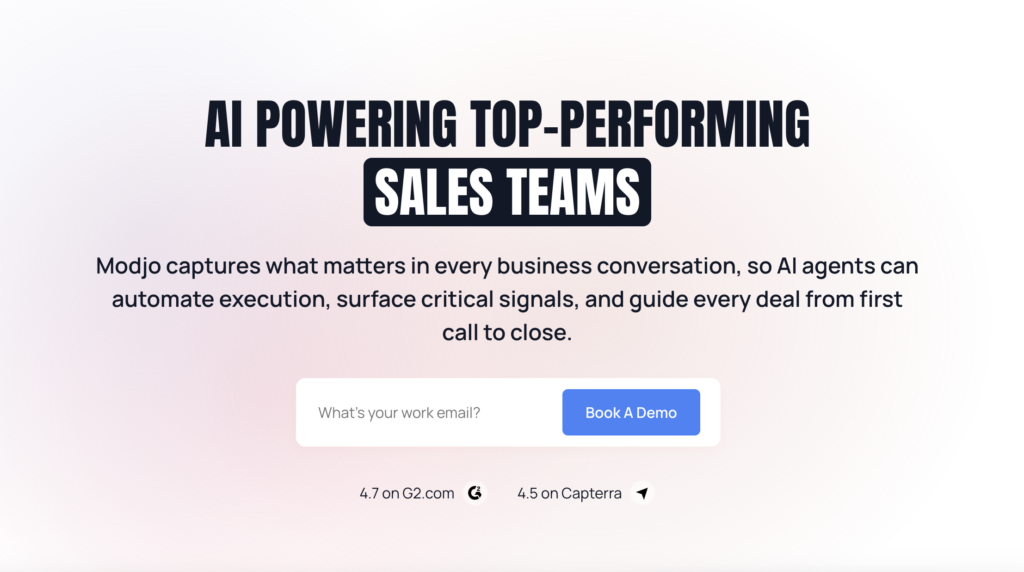
Modjo is conversation intelligence software that turns calls, meetings, and messages into searchable insights. A Modjo integration connects that insight engine to the rest of your stack so conversation signals follow your workflows and show up where teams actually work — your CRM, your dialer, your video tool, even your internal chat. The best Modjo integrations don’t just move data; they unlock faster follow-ups, sharper coaching, and smarter decisions at every step.
Here’s what smart modjo integrations can do:
-
Automate workflows by creating tasks, notes, or updates when a new conversation event happens
-
Sync data such as contact records, call logs, and deal status across tools so everyone sees the same context
-
Trigger actions across platforms — tagging a lead, assigning an owner, or logging a call outcome
-
Surface call highlights and summaries inside CRM timelines and contact records to speed follow-up
-
Feed conversation signals into marketing systems for better attribution and more relevant nurture campaigns
Take the \u003ca href=\u0022/call-center-integration-for-modjo/\u0022\u003eModjo CloudTalk integration\u003c/a\u003e as an example. It lets your team analyze CloudTalk call recordings inside Modjo for coaching, push voice data into your CRM for accurate activity logs, see caller context inside shared inboxes, and send alerts to Slack for high-priority moments — typically via an API-based connection with pricing provided on demand.
The 10 Best Modjo Integrations for Sales & Support Teams
Modjo is powerful on its own, but it was built to connect. The real value of modjo integrations shows up when you link the platform to the CRM, dialer, analytics suite, and chat tools your team already relies on. Here’s a breakdown of the 10 tools worth connecting — and exactly what each one does.
1. CloudTalk — Best Modjo CloudTalk Integration for AI-Powered Calling
What Is CloudTalk?
CloudTalk is a cloud-based phone system designed for sales and support teams that rely on voice to drive performance. Its native Modjo integration brings call recordings, transcripts, and insights into one shared space so agents focus on conversations instead of switching tools. The Modjo CloudTalk integration captures voice data and pushes it automatically for coaching and CRM updates.
Key Features of CloudTalk
- Real-time call monitoring — Listen, whisper, or barge on live calls directly from Freshworks
- AI-Powered Conversation Intelligence — Summaries, topics, and transcripts pushed to Freshworks records
- Call recording and playback — Auto-logged recordings attached to caller contact records
- Sentiment Analysis — Flag negative calls for escalation automatically
- Auto caller matching — Match inbound callers to Freshworks contacts with no tab-switching
What Is CloudTalk’s Pricing?
CloudTalk offers flexible plans tailored to business needs, with each plan offering more value than its competitors. See the full breakdown in the CloudTalk pricing guide.
- Lite: $19 per user/month billed annually
- Starter: $25 per user/month billed annually
- Essential: $29 per user/month billed annually
- Expert: $49 per user/month billed annually
- Custom: Pricing available upon request
CloudTalk G2 Reviews
G2 reviewers give CloudTalk 4.4/5.
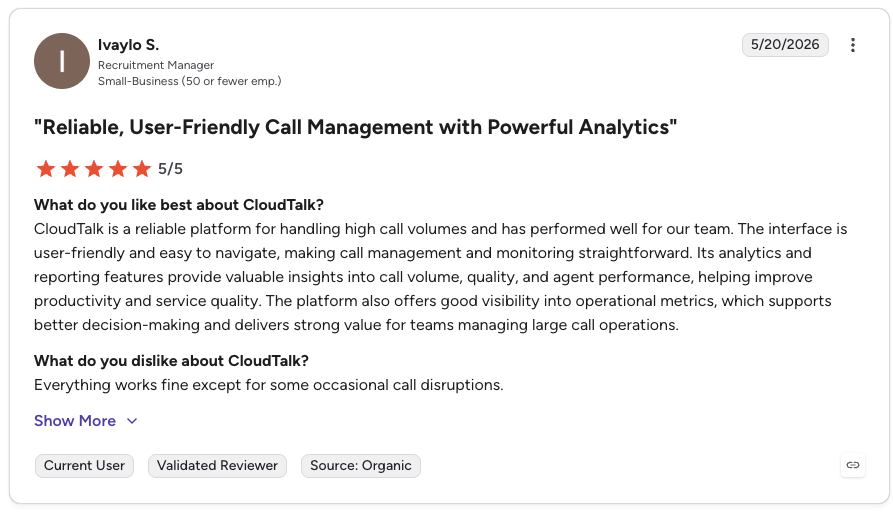
| Pros | Cons |
|---|---|
| Auto call sync — Recordings and transcripts flow into Modjo with no manual upload | API-based Modjo connection — Setup is typically API-led with pricing on demand |
| AI conversation intelligence — Summaries, sentiment, and topics included | Some AI features on higher tiers — Full AI set sits on the Expert plan |
| Voice-first depth — Purpose-built for teams where calls drive revenue | Voice-first focus — Not a general automation tool |
| Flat-rate pricing — Predictable per-seat cost | SMS more limited — Outbound SMS available but secondary |
No more tab-switching. Sync every call to Modjo automatically.
2. Microsoft Teams — Best Modjo Integration for Real-Time Coaching Alerts
What Is Microsoft Teams?
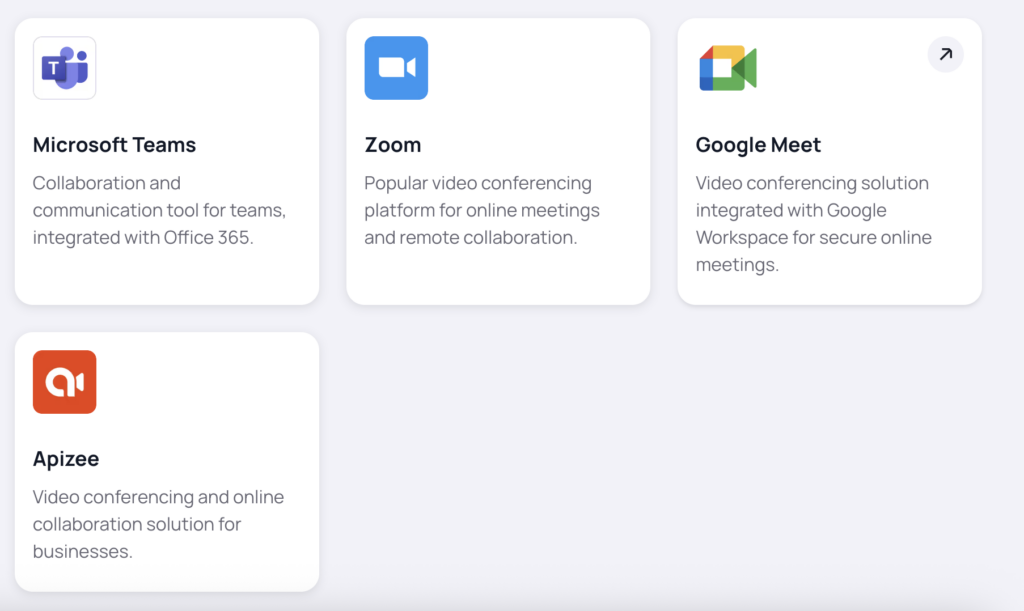
Microsoft Teams is a workspace app for chat, meetings, and collaboration across departments. The Modjo Microsoft Teams integration sends real-time coaching alerts and conversation insights directly into team channels so managers can react quickly and reps know where to focus.
Key Features of Microsoft Teams
- Channel summaries — Push Modjo call summaries to selected Teams channels
- Sentiment-based alerts — Trigger notifications based on sentiment or keywords
- Linked insights — Attach recordings or insights to support chats and deal rooms
- Tight coaching loops — Keep feedback live so managers coach while deals are still in motion
What Is Microsoft Teams’ Pricing?
Microsoft Teams is available as a free standalone plan or bundled with Microsoft 365. See related costs in the Microsoft Teams pricing guide.
- Business Basic: $6 per user per month
- Business Standard: $12.50 per user per month
- Enterprise plans: Custom pricing
Microsoft Teams G2 Reviews
See what real users say about Microsoft Teams on G2.
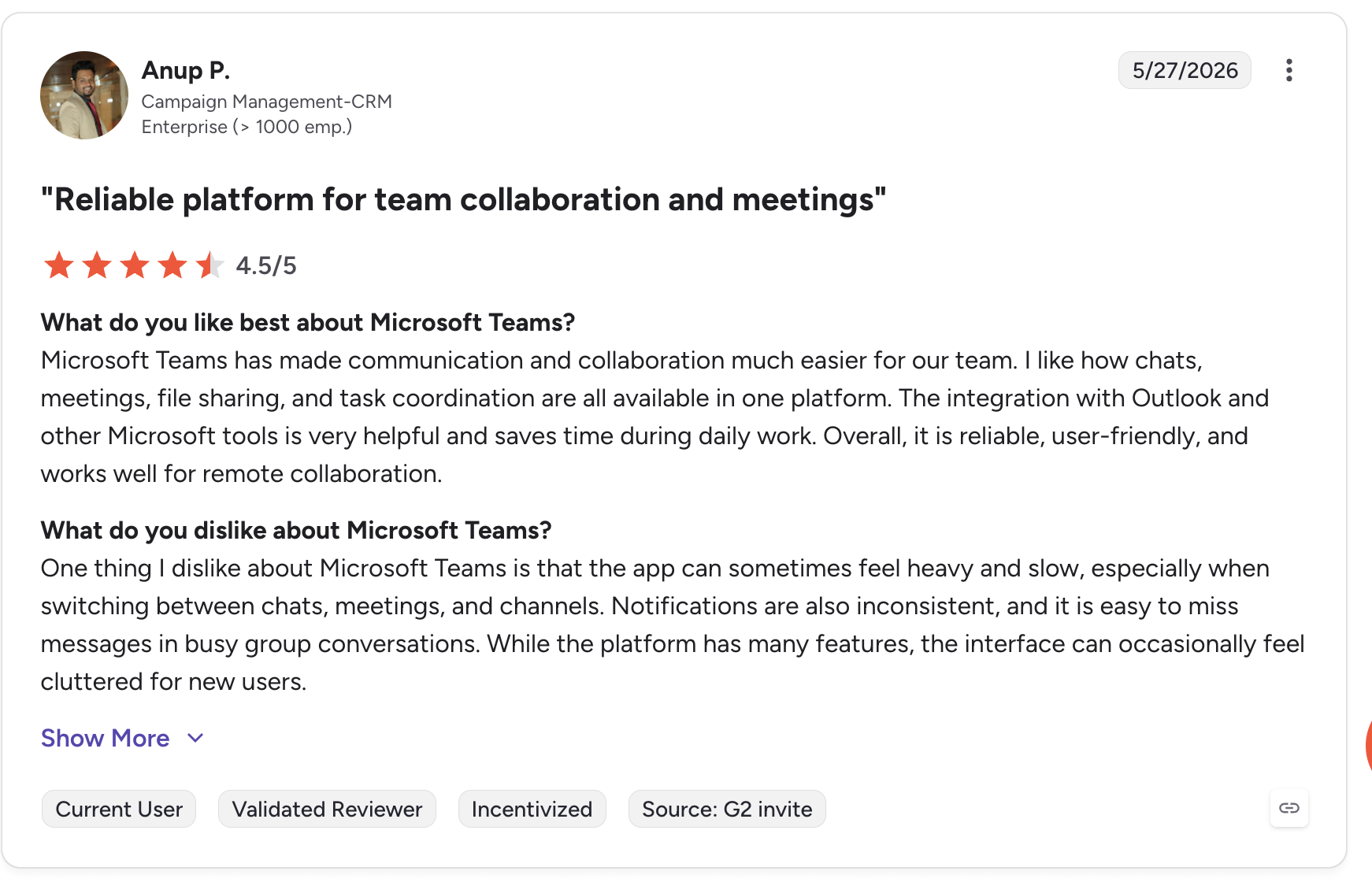
| Pros | Cons |
|---|---|
| Universal adoption — Most teams already use it, no new tool to onboard | Notifications only — Follow-up actions still need a CRM or task tool |
| Real-time alerts — Live coaching cues land in the channel instantly | Notification overload risk — Too many alerts can create noise |
| M365 bundling — Often already included in existing licenses | Setup depth — Advanced routing of insights takes configuration |
3. Pipedrive — Best Modjo CRM Integration for Visual Pipeline Coaching
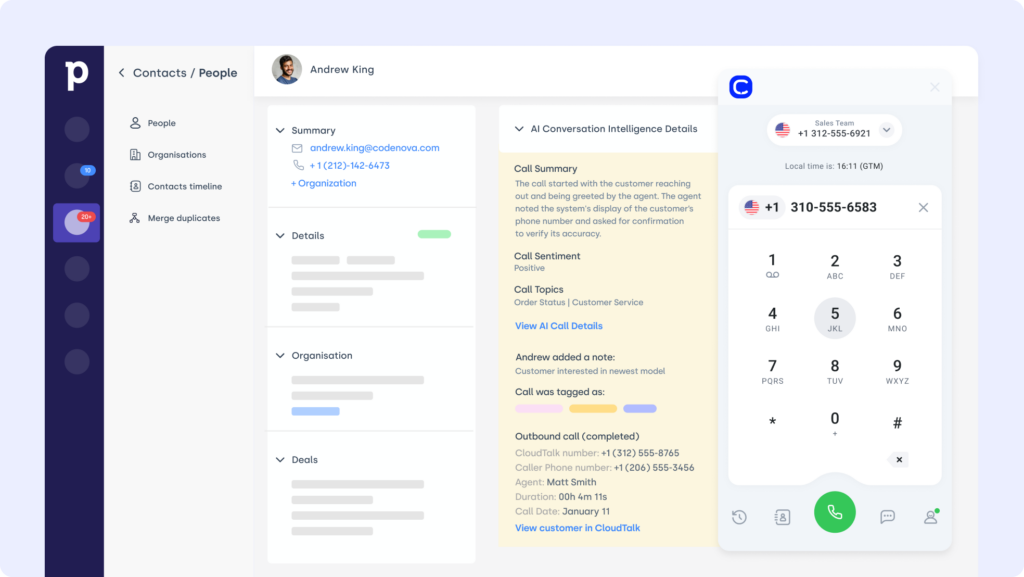
What Is Pipedrive?
Pipedrive is a visual CRM built to help sales teams move deals faster. The Modjo Pipedrive integration syncs conversation intelligence directly into your pipeline so reps always have call context at every stage. Teams already using CloudTalk’s Pipedrive integration can layer Modjo insights on top for even richer deal context.
Key Features of Pipedrive
- Call summaries on deals — Attach Modjo call summaries to open opportunities
- Tag-driven updates — Trigger activity updates from conversation tags
- Outcome filtering — Filter the pipeline by conversation outcomes
- Pipeline visibility — Give sales leaders a clear view of pipeline quality
What Is Pipedrive’s Pricing?
Pipedrive plans scale with business needs. See dialer comparisons in the Pipedrive pricing guide.
- Essential: $14.90 per user per month
- Advanced: $27.90 per user per month
- Professional: $49.90 per user per month
- Power and Enterprise: Custom quotes available
Pipedrive G2 Reviews
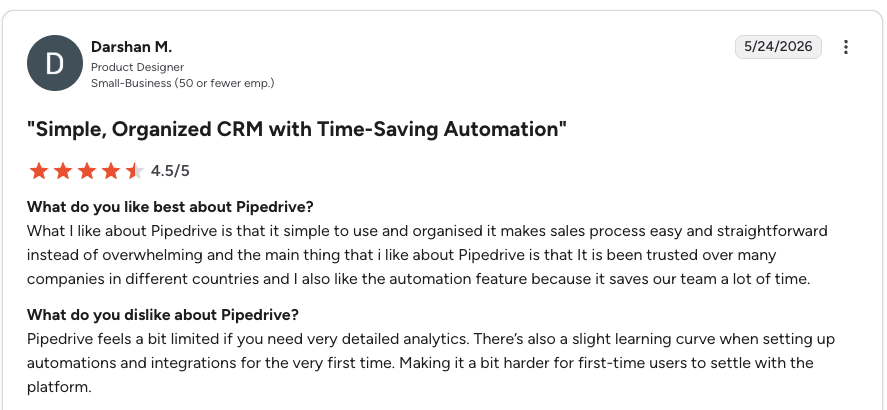
G2 reviewers give Pipedrive 4.3/5.
| Pros | Cons |
|---|---|
| Sales-first design — Pipeline view is intuitive for reps | Limited marketing automation — Weaker than HubSpot on nurture |
| Affordable entry tier — Strong value for small teams | No free tier — No permanently free plan |
| Activity-based workflow — Pairs well with Modjo conversation tags | Reporting depth — Less granular than enterprise CRMs |
4. HubSpot — Best Modjo Integration for Marketing and Sales Alignment
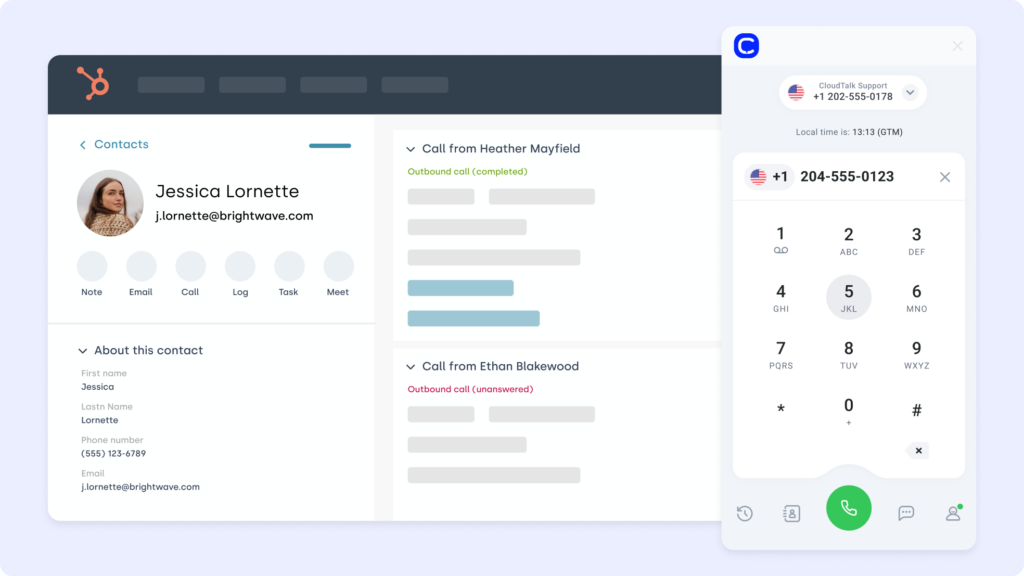
What Is HubSpot?
HubSpot is a CRM platform designed for inbound marketing, sales, and service. The Modjo HubSpot integration syncs conversation insights with lead profiles so both marketers and sellers stay aligned on intent and timing. Teams can extend this with CloudTalk’s HubSpot integration to log calls automatically.
Key Features of HubSpot
- Insight sync to records — Sync call outcomes and insights to contact records
- Tag-triggered workflows — Trigger HubSpot workflows based on Modjo tags
- Marketing + sales data — Combine signals for better targeting and lead scoring
- Intent-based nurture — Feed conversation signals into nurture campaigns
What Is HubSpot’s Pricing?
HubSpot offers a free CRM with paid plans for growing teams. See the breakdown in the HubSpot pricing guide.
- Free: $0, core CRM features
- Starter: Begins at $20 per month
- Professional and Enterprise: Scales based on contacts and seats
HubSpot G2 Reviews
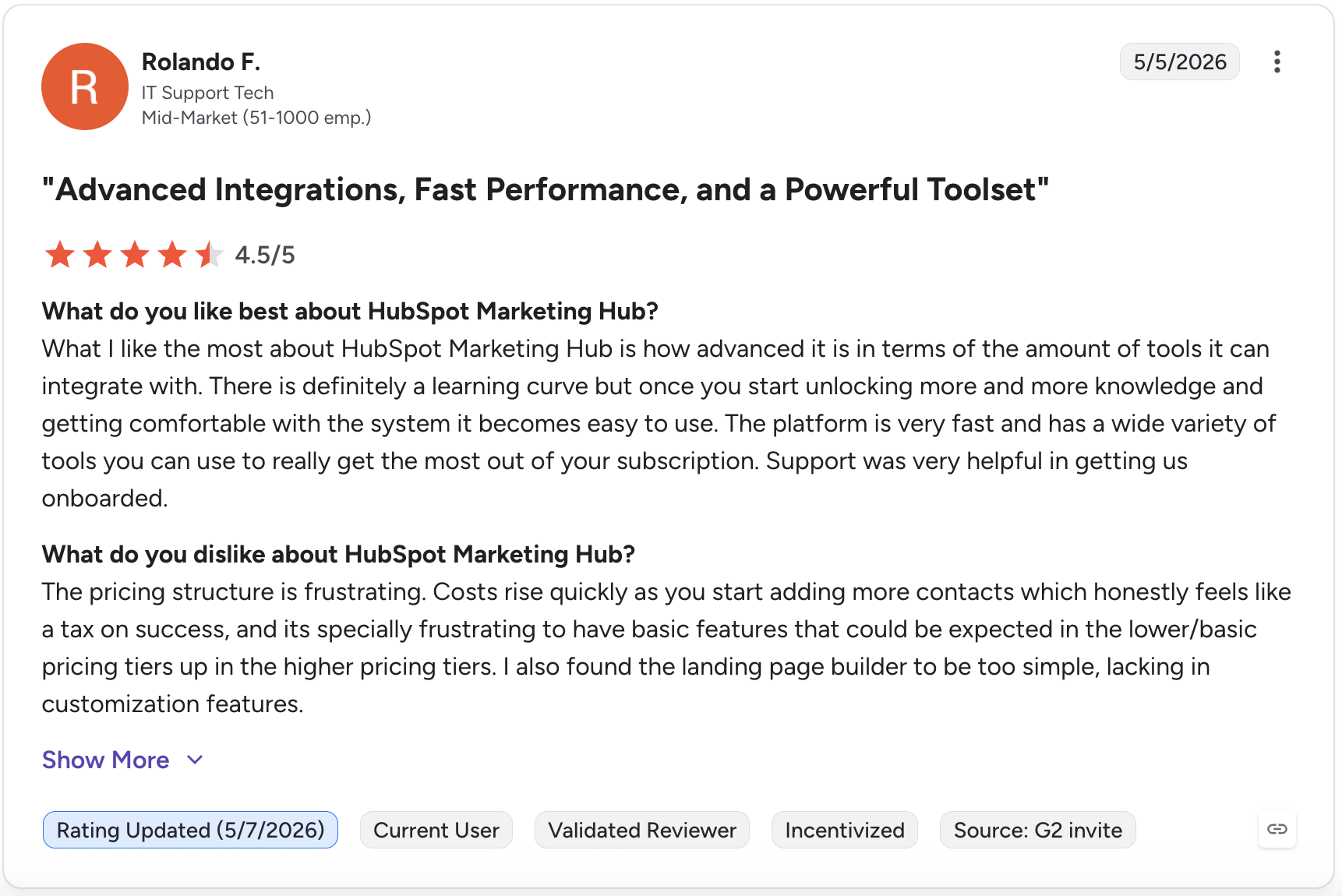
G2 reviewers give HubSpot Marketing Hub 4.4/5.
| Pros | Cons |
|---|---|
| Free CRM tier — Genuinely useful even without paying | High cost at scale — Professional and Enterprise pricing is steep |
| Deep CRM data — Rich timelines make Modjo insights context-aware | Automation locked — Full workflow automation needs Professional+ |
| Strong ecosystem — Broad native integration library | Learning curve — Feature depth can overwhelm small teams |
5. Zoom — Best Modjo Integration for Video Meeting Analysis
What Is Zoom?
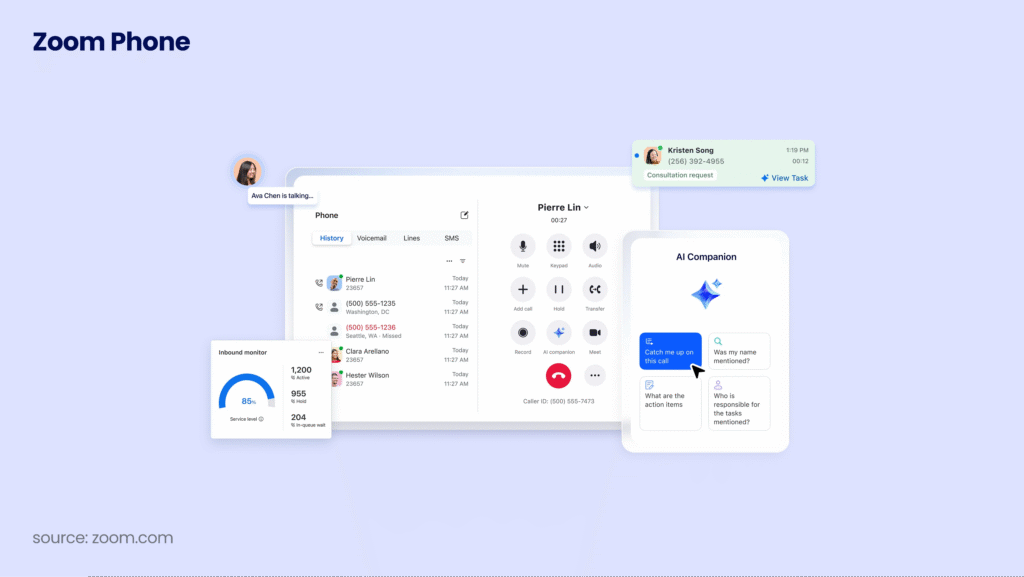
Zoom is a leading video conferencing platform used for virtual meetings and webinars. The Modjo Zoom integration captures, transcribes, and tags video calls for coaching and performance review — pulling Zoom recordings into Modjo so managers can review without switching tabs.
Key Features of Zoom
- Recording analysis — Transcribe and analyze Zoom recordings inside Modjo
- Moment tagging — Tag key call moments for easy playback and coaching
- Slack alerts — Trigger alerts for standout calls or red flags
- Searchable transcripts — Improve meeting follow-up with full-text search
What Is Zoom’s Pricing?
Zoom offers a range of plans for different team sizes. See the full guide on Zoom pricing.
- Basic: Free
- Pro: $149.90 per year per user
- Business: $199.90 per year per user
- Enterprise: Custom pricing available
Zoom G2 Reviews
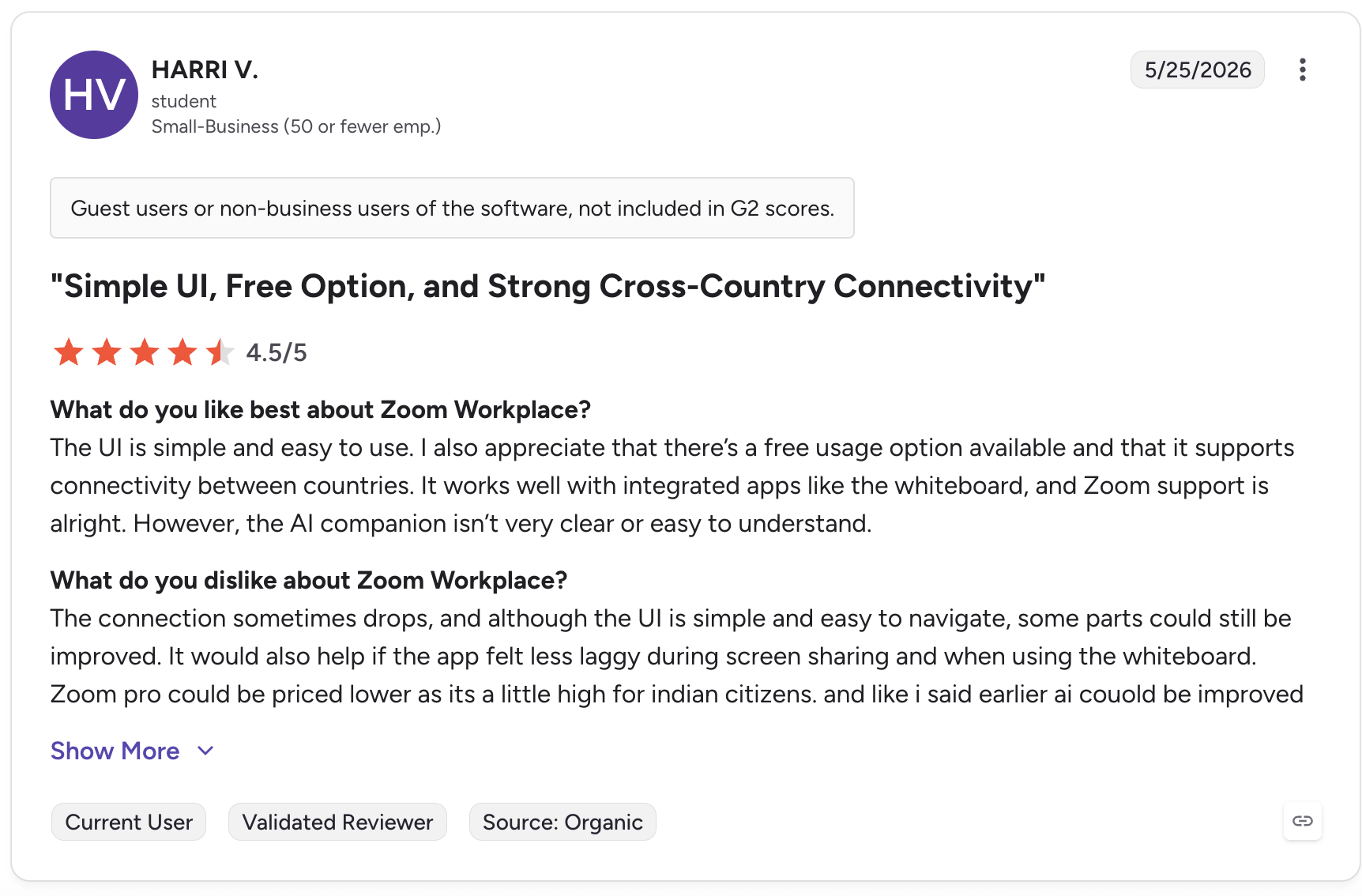
See what real users say about Zoom on G2.
| Pros | Cons |
|---|---|
| Reliable video — Widely adopted, stable for client meetings | Recording management — Cloud storage limits vary by plan |
| Remote coaching — Centralizes call reviews for distributed teams | Add-on costs — Some features require paid extras |
| No manual transfers — Recordings flow into Modjo automatically | Video-only focus — Not a CRM or pipeline tool |
6. Google Meet — Best Modjo Integration for Google Workspace Teams
What Is Google Meet?
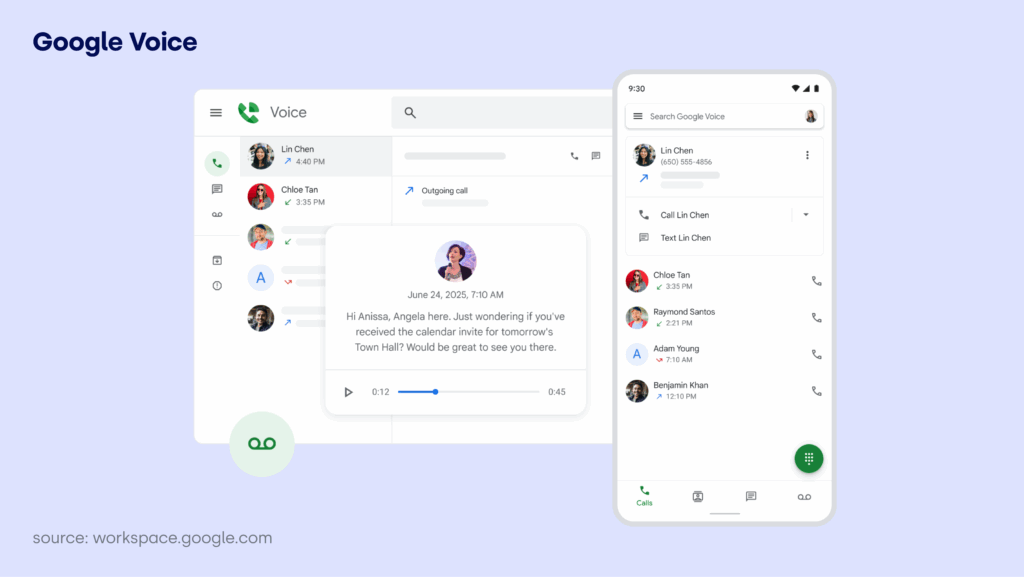
Google Meet is a secure video conferencing tool used for virtual meetings across teams and clients. The Modjo Google Meet integration records, transcribes, and analyzes meetings for better coaching and sales insights — syncing recordings so managers can track how conversations align with pipeline outcomes.
Key Features of Google Meet
- Recorded meeting analysis — Sync and analyze recorded meetings inside Modjo
- Keyword-triggered alerts — Trigger Slack notifications based on keywords or tags
- Organized transcripts — Store summaries by contact or opportunity
- Faster follow-ups — Tag meeting highlights to streamline recap
What Is Google Meet’s Pricing?
Google Meet is included in Google Workspace plans.
- Business Starter: $6 per user per month
- Business Standard: $12 per user per month
- Business Plus and Enterprise: Custom quotes available
Google Meet G2 Reviews
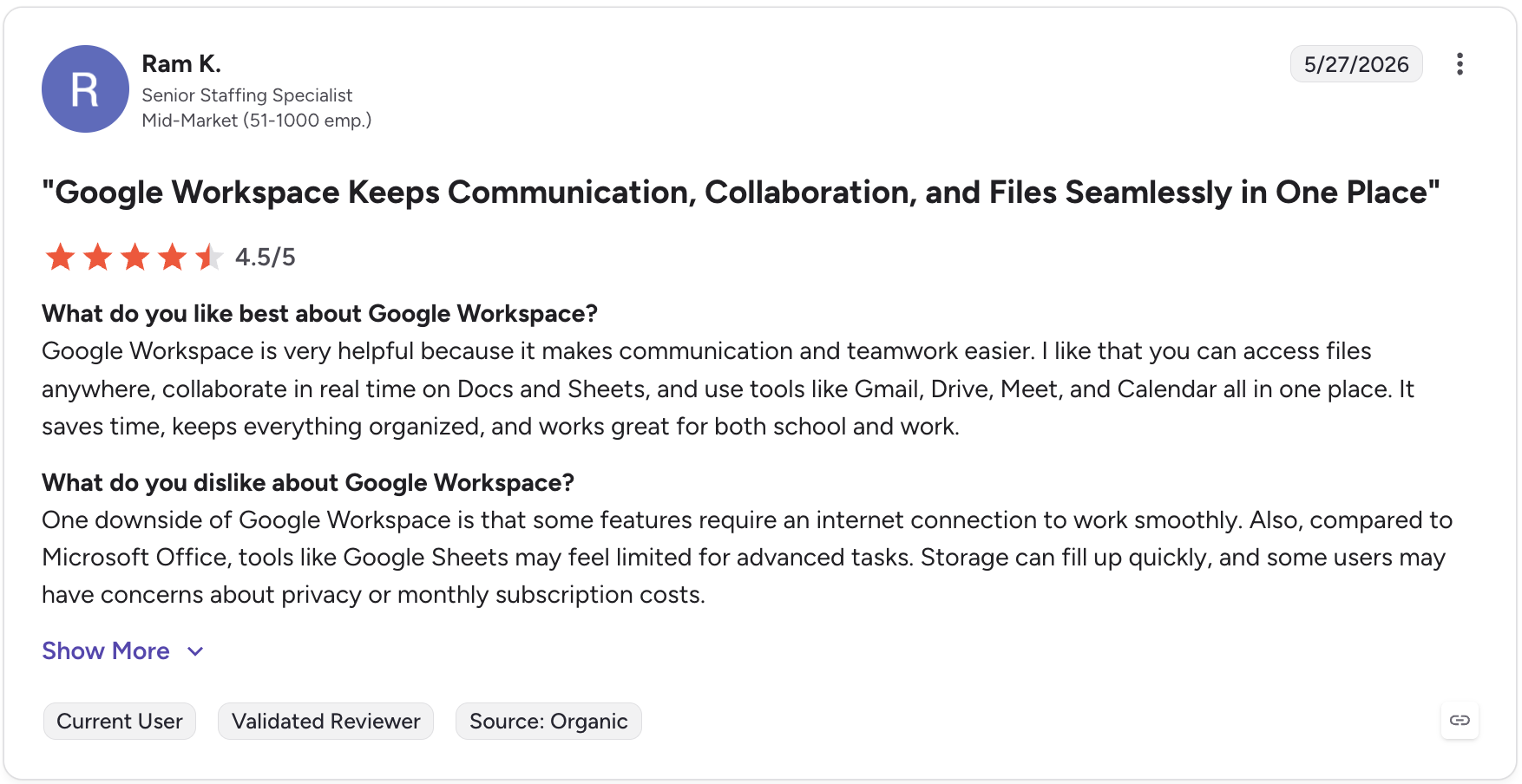
See what real users say about Google Meet on G2.
| Pros | Cons |
|---|---|
| Workspace-native — Seamless for Google-based teams | Recording on paid tiers — Recording needs a qualifying plan |
| Searchable transcripts — Keeps remote teams aligned | Fewer power features — Lighter than Zoom on advanced controls |
| Low admin overhead — Cuts manual note-taking and recap emails | Ecosystem lock-in — Best value inside Google Workspace |
7. Gmail — Best Modjo Integration for Unifying Voice and Email
What Is Gmail?
Gmail is a widely used email service integrated with Google Workspace. The Modjo Gmail integration connects inbox conversations with Modjo’s intelligence layer so reps can surface insights from both calls and emails in one place for a complete view of the customer journey.
Key Features of Gmail
- Thread sync — Sync email threads to Modjo contact records
- Sentiment flags — Flag sentiment and response triggers in outreach
- Coaching context — Add email context into sales coaching dashboards
- Unified view — Keep sales context joined across voice and email
What Is Gmail’s Pricing?
Gmail is part of Google Workspace.
- Business Starter: $6 per user per month
- Business Standard: $12 per user per month
- Business Plus and Enterprise: Custom pricing available
| Pros | Cons |
|---|---|
| Ubiquitous — Almost every team already runs it | Email-only signal — Captures written, not spoken, context alone |
| Unified journey — Joins email with call insights in Modjo | Workspace dependency — Best inside the Google ecosystem |
| Coaching in writing — Surfaces coaching moments in outreach | Volume noise — High email volume can dilute signal |
8. Outlook — Best Modjo Integration for Meeting and Calendar Context
What Is Outlook?
Outlook is Microsoft’s email and calendar solution used by millions of business teams. The Modjo Outlook integration connects meetings and messages to Modjo so conversations across email and voice are analyzed together for better performance tracking.
Key Features of Outlook
- Calendar sync — Sync calendar events and meeting metadata to Modjo
- Email tagging — Capture and tag email insights alongside call data
- Single timeline — Combine Outlook and Modjo records in one view
- Better prep — Improve meeting preparation with prior call summaries
What Is Outlook’s Pricing?
Outlook is bundled with Microsoft 365. See related costs in the Outlook pricing guide for Microsoft 365 plans.
- Business Basic: $6 per user per month
- Business Standard: $12.50 per user per month
- Enterprise plans: Custom pricing based on organization size
Outlook G2 Reviews
See what real users say about Outlook on G2.
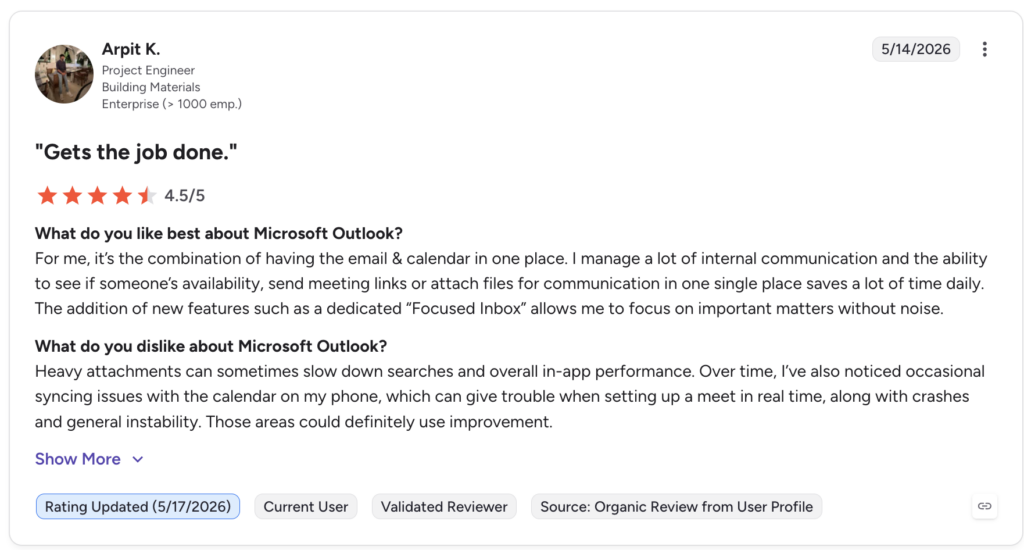
| Pros | Cons |
|---|---|
| Email + calendar in one — Strong meeting-context source for Modjo | M365 dependency — Best value inside Microsoft 365 |
| Complete customer view — Aligns calendars and call notes | Setup effort — Mapping fields takes initial configuration |
| Enterprise reach — Standard across large organizations | Interface dated — UI feels heavier than lighter email tools |
9. Slack — Best Modjo Integration for Instant Coaching Cues
What Is Slack?
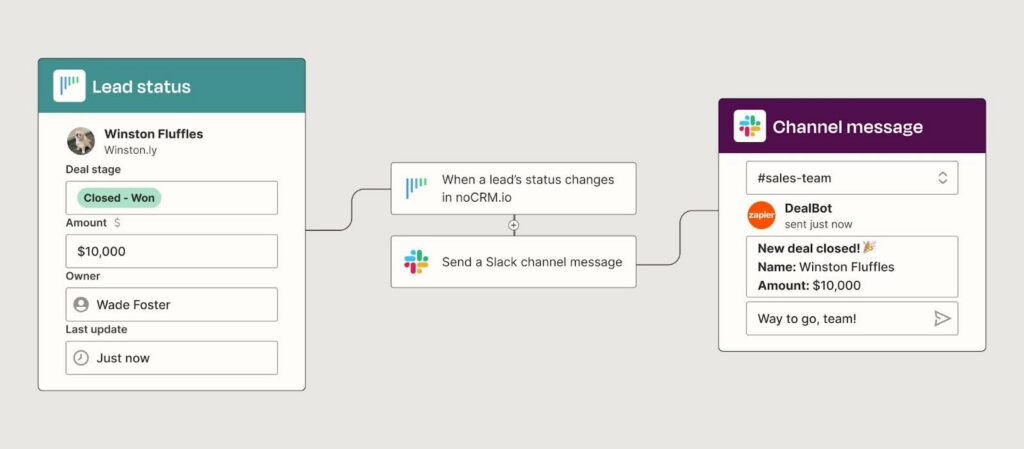
Slack is a team messaging platform that supports real-time communication and workflow automation. The Modjo Slack integration delivers call insights, alerts, and coaching cues inside Slack channels — so managers get notified the moment a high-priority call finishes.
Key Features of Slack
- Channel routing — Route Modjo alerts to selected Slack channels
- Tag-based triggers — Trigger updates based on call sentiment or tags
- Shared summaries — Share conversation summaries in collaborative threads
- Shorter coaching loops — Give managers faster visibility into calls”,”subContent
What Is Slack’s Pricing?
Slack offers tiered pricing based on team needs.
- Free: Core features for small teams
- Pro: $7.25 per user per month
- Business Plus: $12.50 per user per month
- Enterprise Grid: Custom pricing for large organizations
Slack G2 Reviews
See what real users say about Slack on G2.
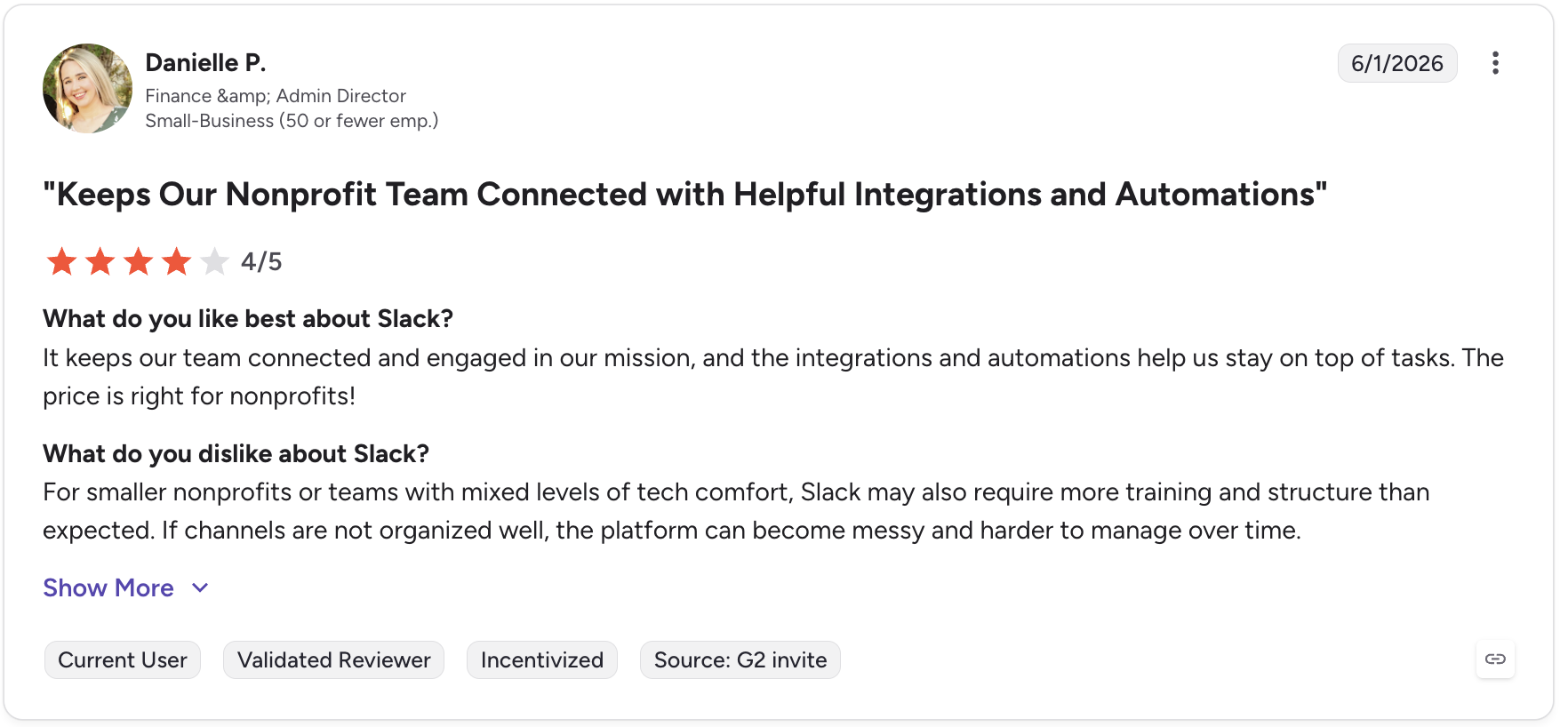
| Pros | Cons |
|---|---|
| Universal adoption — Most teams already use Slack | Notifications only — Follow-up actions need another tool |
| Real-time visibility — Keeps sales and support updated instantly | Free plan limits — History capped on the free tier |
| Flexible output layer — Works as the alert destination for any workflow | Noise risk — Too many automated alerts can overwhelm |
10. SalesLoft — Best Modjo Integration for Sales Engagement Cadences
What Is SalesLoft?
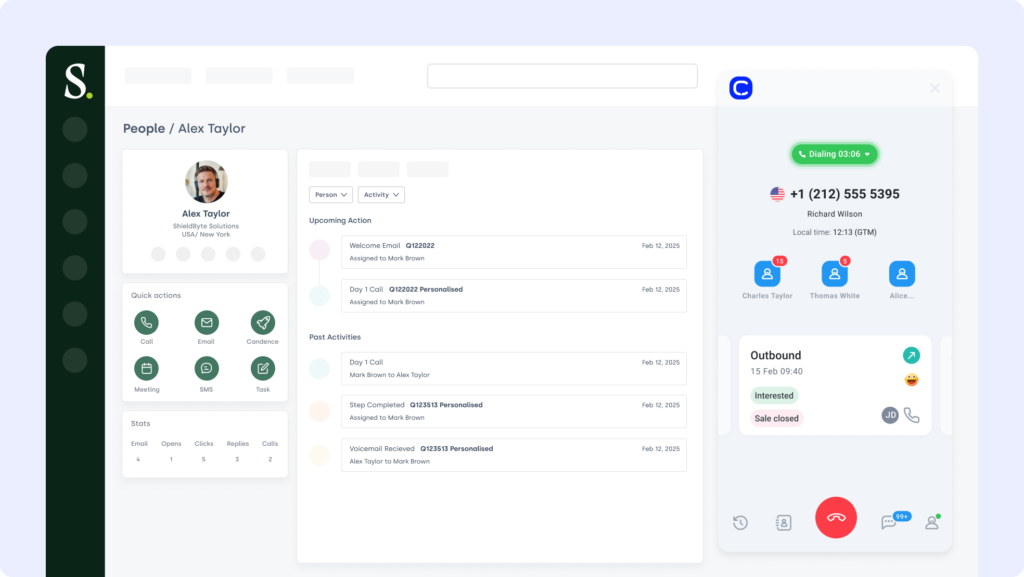
SalesLoft is a sales engagement platform that helps teams manage cadences, emails, and calls in one place. The Modjo SalesLoft integration captures voice and email data from SalesLoft to analyze rep activity and uncover coaching opportunities across channels. Teams can pair it with CloudTalk’s SalesLoft integration for end-to-end call data flow.
Key Features of SalesLoft
- Data sync — Sync Modjo call and email data to SalesLoft records
- Multi-channel coaching — Tag coaching moments across voice and written outreach
- Cadence alerts — Trigger Slack alerts based on cadence performance
- Pattern spotting — Identify top-performing cadences and sequences
What Is SalesLoft’s Pricing?
SalesLoft offers custom pricing based on features and team size. See the breakdown in the SalesLoft pricing guide.
- Prospect, Sell, and Engage plans: Available upon request
- Free trial and demo: Available for qualified teams
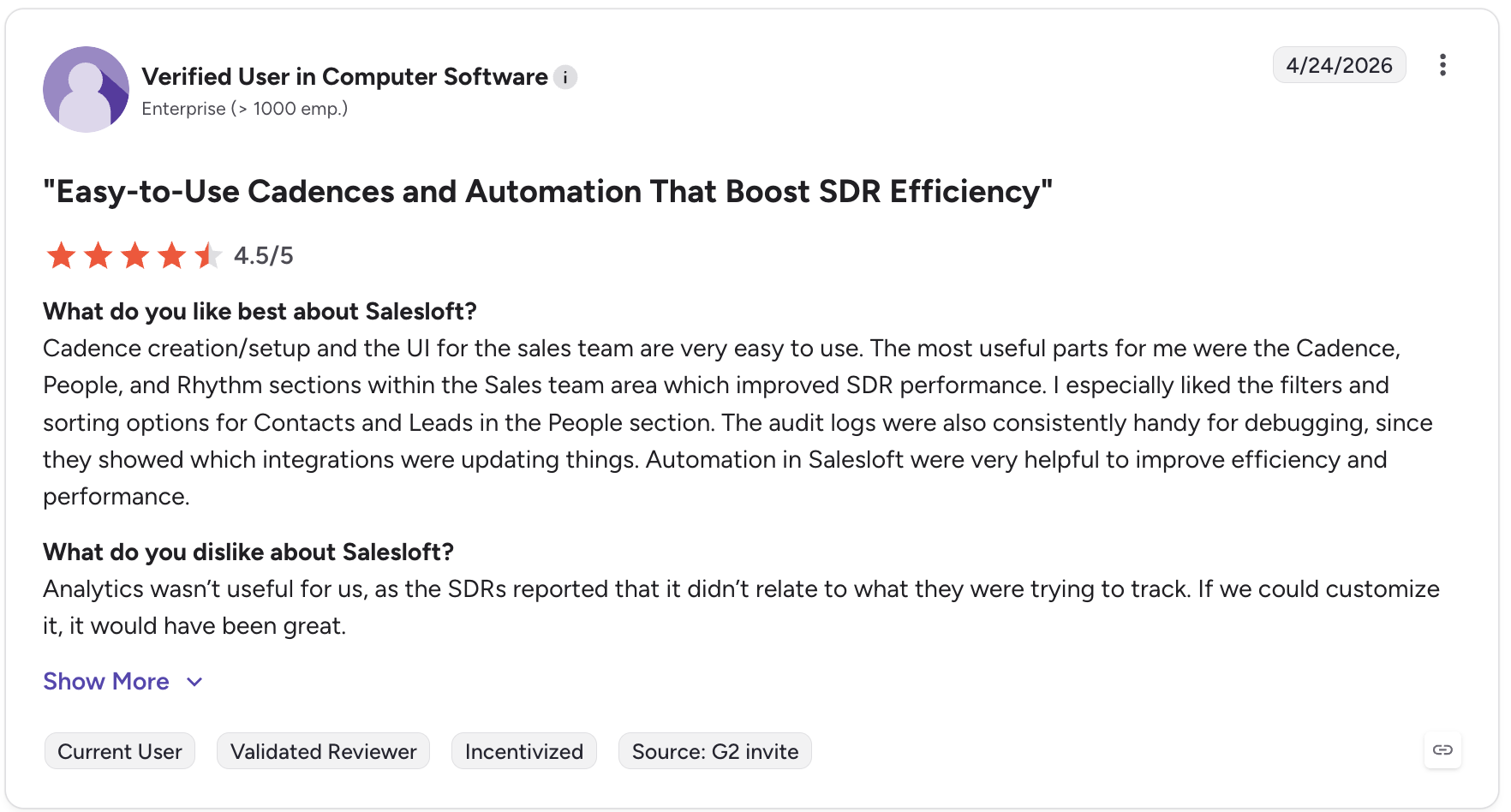
SalesLoft G2 Reviews
See what real users say about SalesLoft on G2.
| Pros | Cons |
|---|---|
| Multi-channel engagement — Calls, email, and cadences in one platform | Custom pricing only — No public per-seat rates |
| Cadence analytics — Surfaces top-performing sequences | Enterprise lean — Heavier than small teams may need |
| Manager visibility — Real conversations across channels in view | Learning curve — Full setup takes onboarding time |
Benefits of Modjo Integrations
Integrating Modjo with the rest of your sales and support stack does more than sync data. The best modjo integrations help your team work faster, coach smarter, and close more deals with less guesswork. Here are five benefits that directly impact speed, performance, and revenue:
-
One Source of Conversation TruthPull voice, video, and email insights into a single view so every rep works from the same up-to-date context.
-
Less Admin, More SellingTrigger workflows, update records, and log activity automatically so your team spends more time on high-value actions.
-
Smarter Coaching in Real TimeSend performance alerts or flagged calls straight to Slack or Teams so managers can coach while deals are still in motion.
-
Sales and Marketing, AlignedSync call insights with CRM and campaign tools so both teams know what the customer wants and when to follow up.
-
Ready for Any StackWhether you run HubSpot or Pipedrive, Zoom or Google Meet, modjo integrations fit your tools without adding complexity.
Workflows aren’t broken—they’re just disconnected. Reconnect them.
How We Chose the Best Modjo Integrations
We picked these modjo integrations by the problems they solve, not by brand recognition. For each common use case — surfacing call highlights in a contact timeline, feeding conversation signals into nurture campaigns, or pushing coaching alerts to chat — we chose the integration that gives the biggest practical win while keeping setup effort reasonable. Here’s the criteria we weighed:
- Connector availability — Is the integration native, app-based, or does it require custom API work?
- Use case fit for sales and support — Does it serve core revenue-generating workflows?
- Setup effort — Can it go live in minutes, not months?
- Scalability — Will it still work as your team and stack grow?
- Security — Does it support role-based access, secure auth, and audit logs?
- G2 user ratings — What do verified users say about value and support quality?
How to Integrate Modjo with Other Platforms
Modjo doesn’t need heavy development work to fit into your ecosystem. Most teams connect it using simple, scalable methods that match their workflow and technical capacity. You can set up modjo integrations using:
-
Modjo app integrations from marketplaces like HubSpot, Salesforce, or Pipedrive
-
No-code platforms such as Zapier to automate workflows across tools
-
Native integrations like the Modjo CloudTalk integration for syncing call data and analytics
-
Custom APIs and webhooks for advanced teams who need full control over how data flows
Turn Modjo Integrations Into Action
What slows you down isn’t your team — it’s the silence between your tools. Calls happen and insights get captured, but if they never reach your CRM, inbox, or coaching dashboard, your team is always one step behind. Modjo already gives you the raw intelligence; the right modjo integrations turn that intelligence into action. Reps know what happened last call, managers coach with full context, and no one has to dig for answers.
Try one Modjo integration today and let your workflows start working for you.
Setup shouldn’t be a separate project. We can help you.